
Flare+3 min
AI Site Walkthrough (Heliomation)
Get AI-powered suggestions to optimise your site's performance.
1
Launch the walkthrough
redsunplatform.com
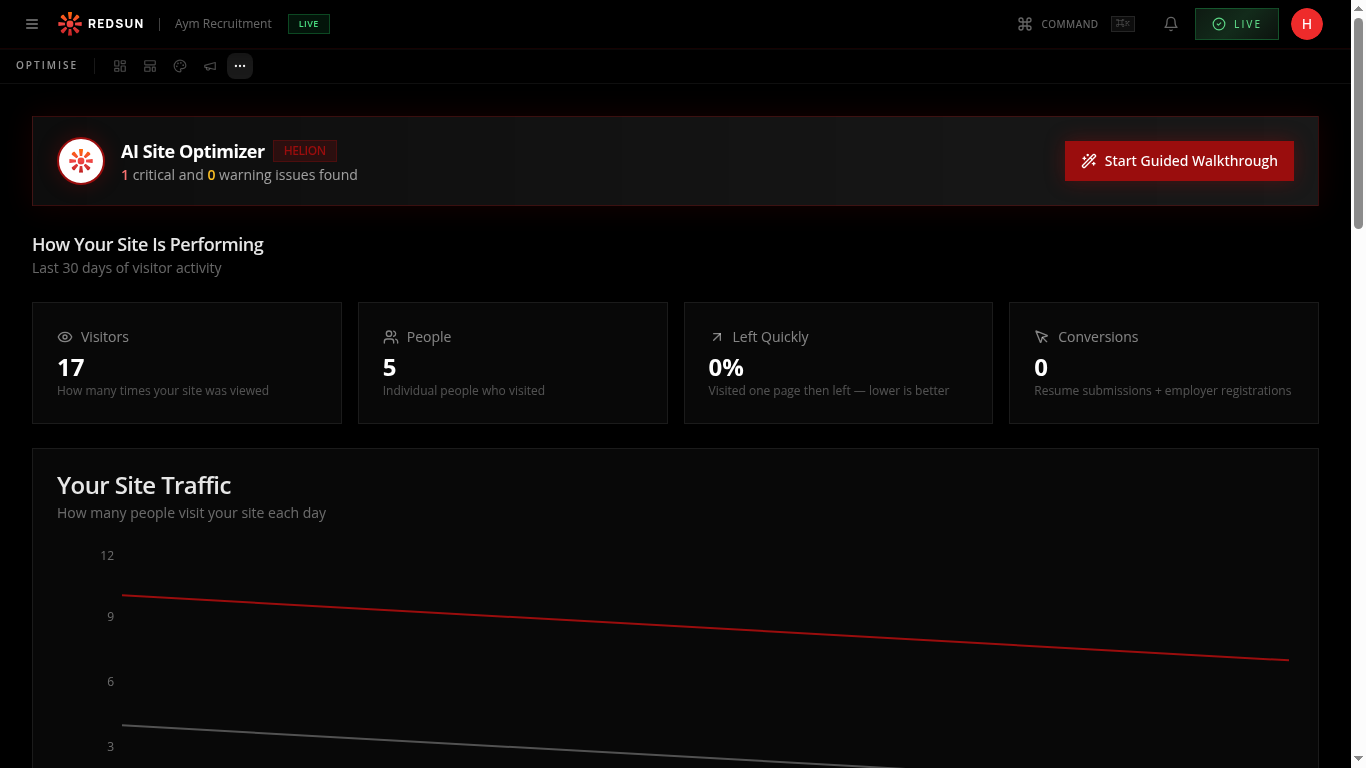
In the Optimise tab, click 'Start Walkthrough'. The AI analyses your entire site — pages, content, layout, and performance data.
2
Review suggestions
redsunplatform.com
The AI presents prioritised recommendations: content improvements, missing CTAs, SEO opportunities, and layout optimisations.
3
Apply changes
redsunplatform.com
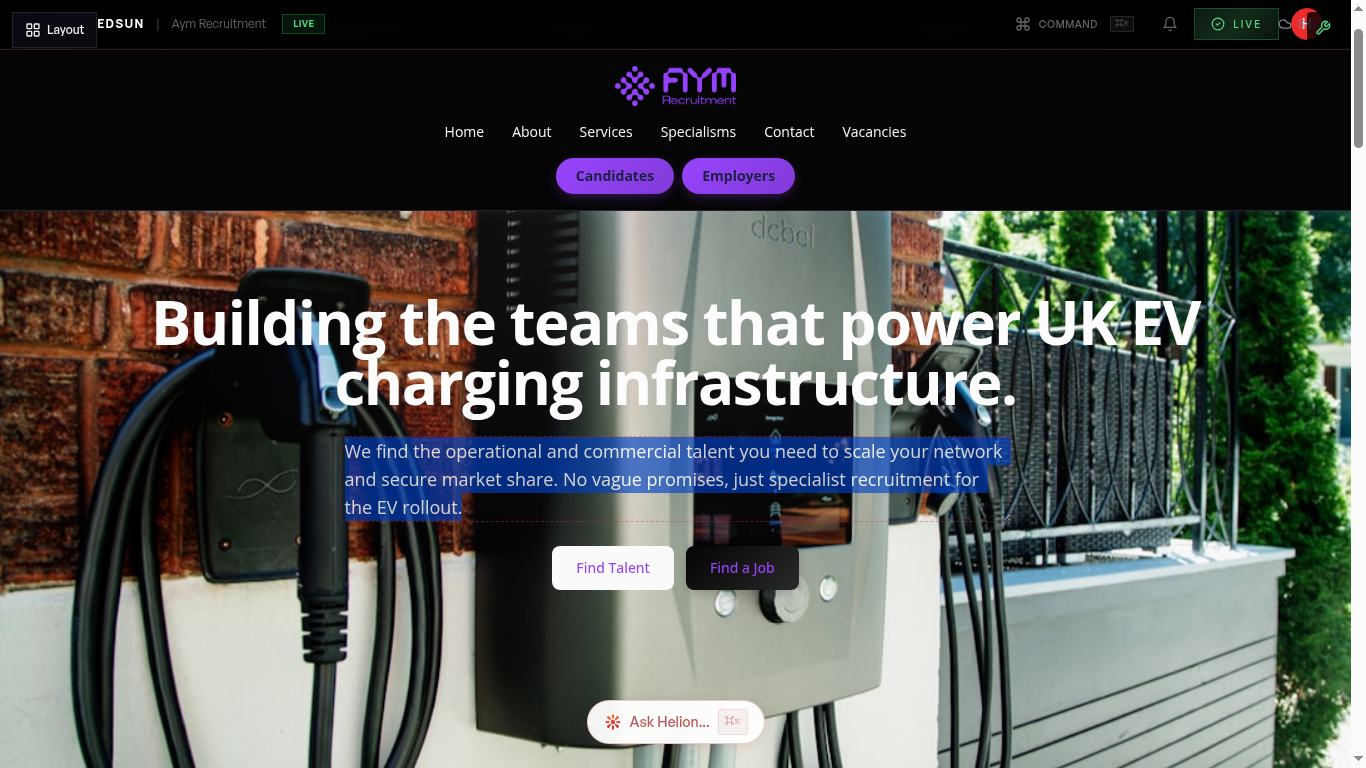
Click 'Apply' on any suggestion to implement it directly. The AI generates the specific content or layout change and applies it through the builder.
4
Track improvement
redsunplatform.com
After applying suggestions, monitor your analytics to see if engagement and conversions improve. Run another walkthrough periodically.
Guide complete
You've covered all 4 steps. Check out the related guides below.
Still need help?
Our support team is here to assist you.