
Flare+3 min
Job Portal Editor & Preview
Customise the look and feel of your job listings.
1
Access the portal editor
redsunplatform.com
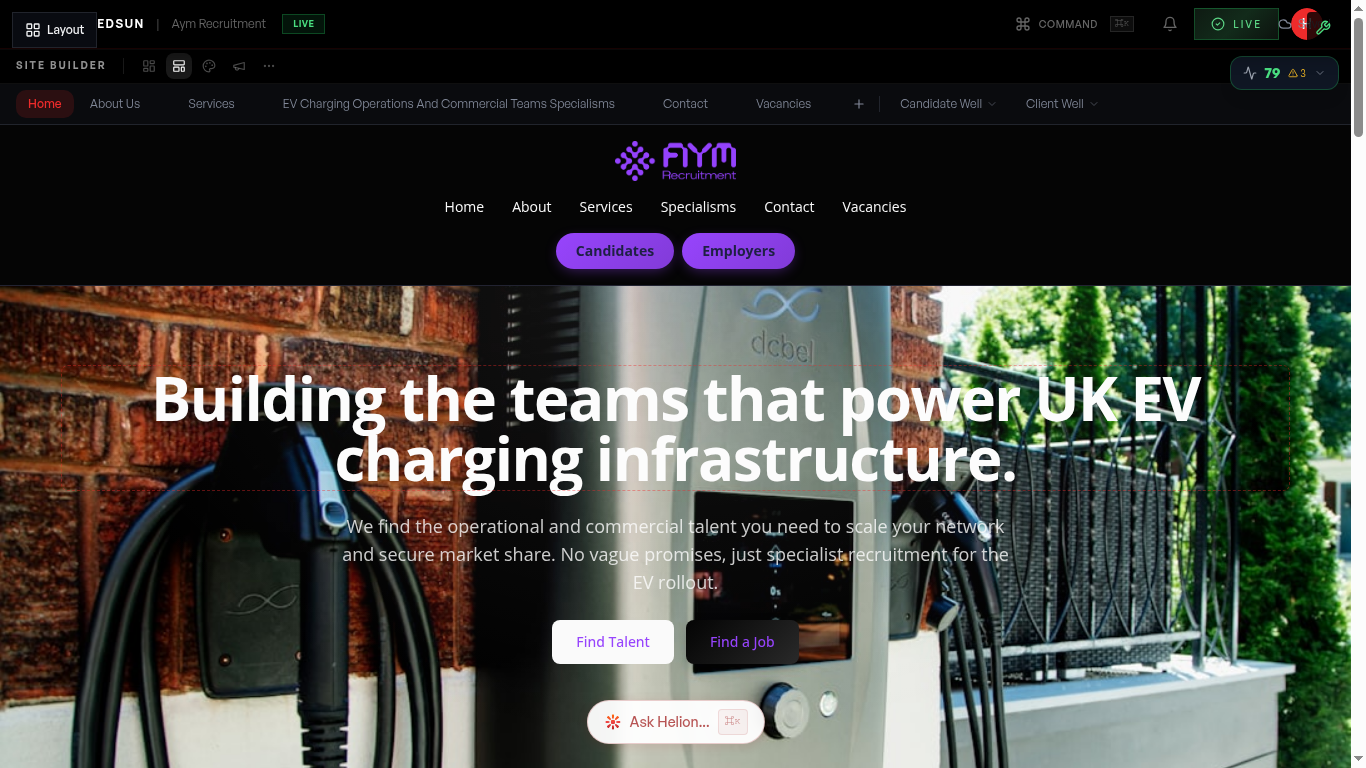
From the builder, select the Jobs page. The portal editor lets you customise card layouts, featured job highlights, and filter options.
2
Feature specific jobs
redsunplatform.com
Mark high-priority jobs as 'featured' so they appear prominently at the top of the portal with visual emphasis. Featured jobs get 3–5× more views.
3
Configure filters
redsunplatform.com
Choose which filter options appear for visitors: location, department, salary range, work type. Filters help candidates find relevant roles quickly.
4
Preview the experience
redsunplatform.com
Use preview mode to see the portal as a visitor would. Test search, filters, and the job detail/apply flow on both desktop and mobile.
Guide complete
You've covered all 4 steps. Check out the related guides below.
Still need help?
Our support team is here to assist you.