
2 min
Plan Upgrades & Feature Access
Understand feature gating and how to upgrade for more capabilities.
1
Feature badges
redsunplatform.com
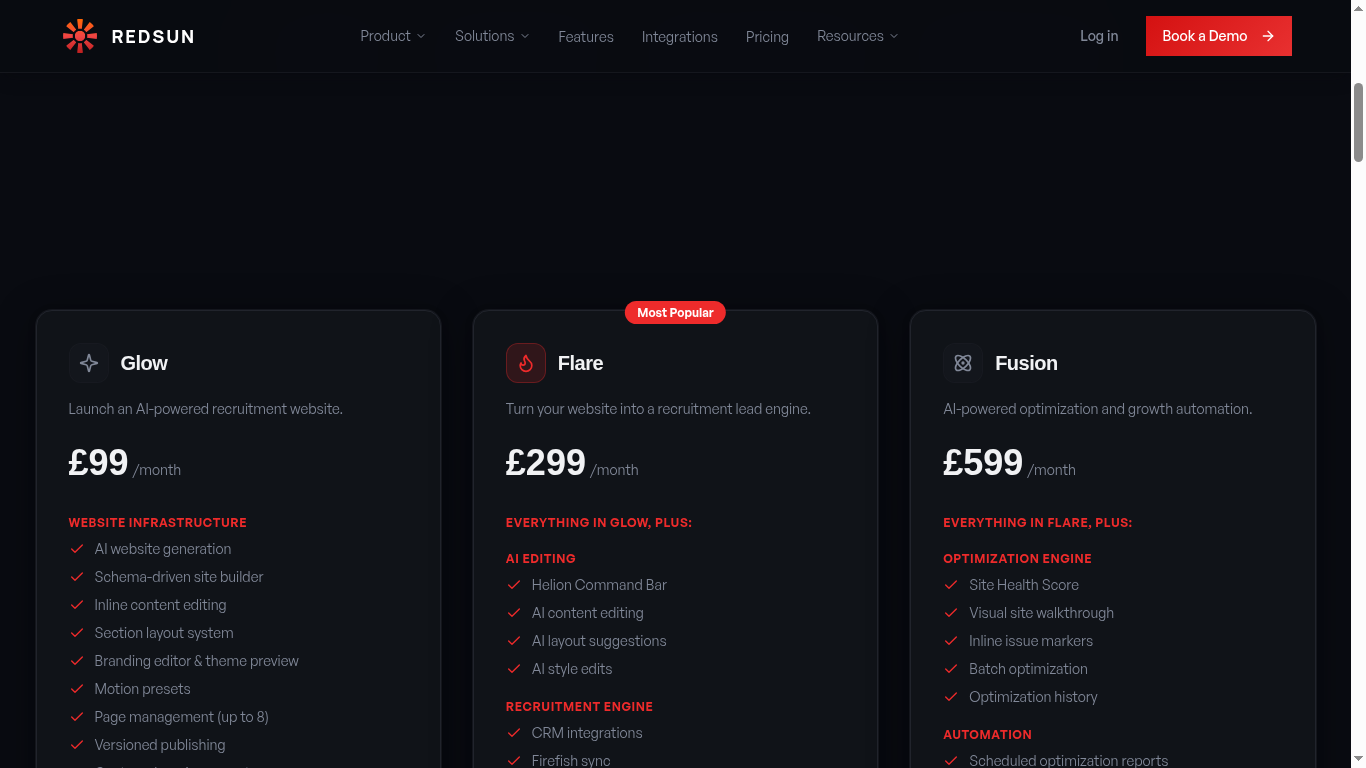
Throughout the platform, features display tier badges: 'Flare' or 'Fusion'. These indicate the minimum plan required to access that feature.
2
Upgrade prompts
redsunplatform.com
Clicking a locked feature shows an upgrade modal explaining what the feature does, which plan includes it, and a direct link to upgrade.
3
Upgrade process
redsunplatform.com
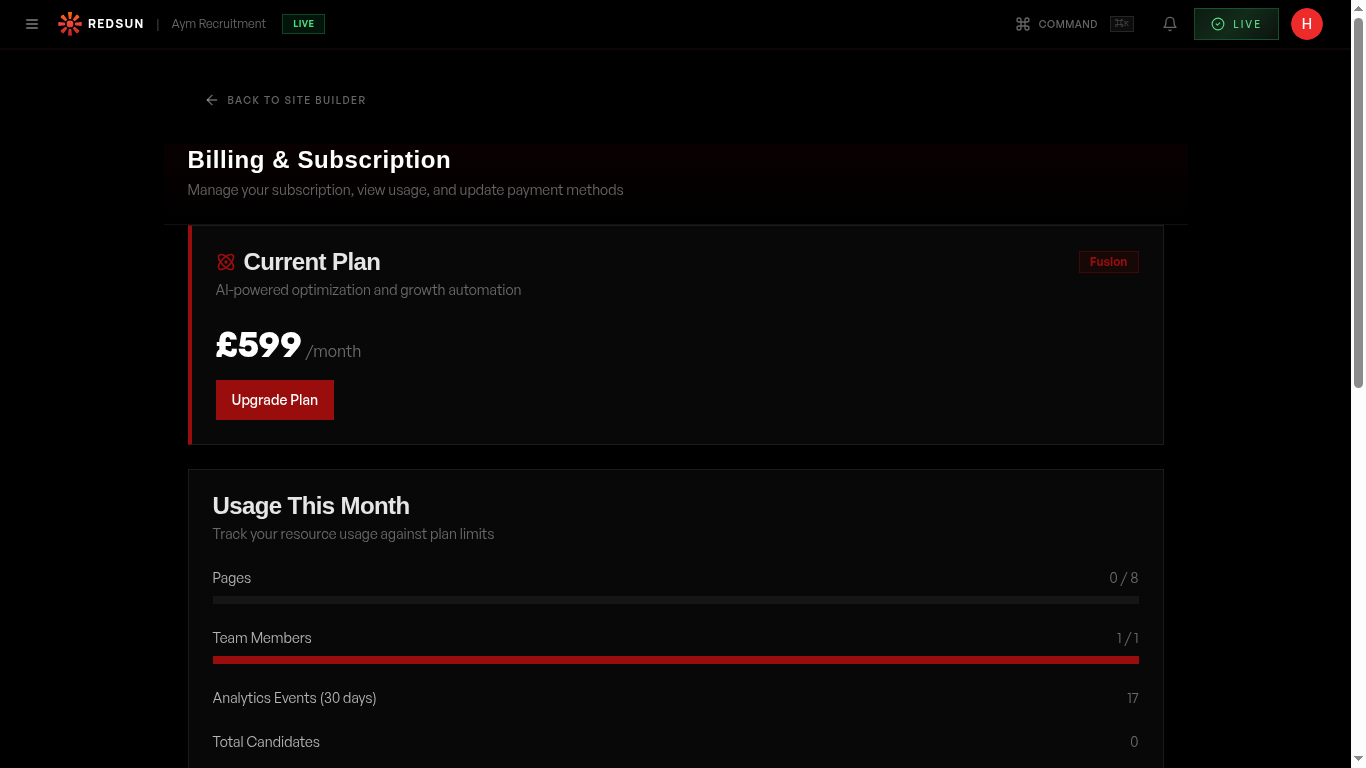
Upgrading is instant. Select a new plan, confirm billing, and all locked features become immediately available. Your site and data remain unchanged.
View pricingGuide complete
You've covered all 3 steps. Check out the related guides below.
Still need help?
Our support team is here to assist you.