
Re-engagement Feed
Get alerts when known contacts re-visit your site.
Access the feed
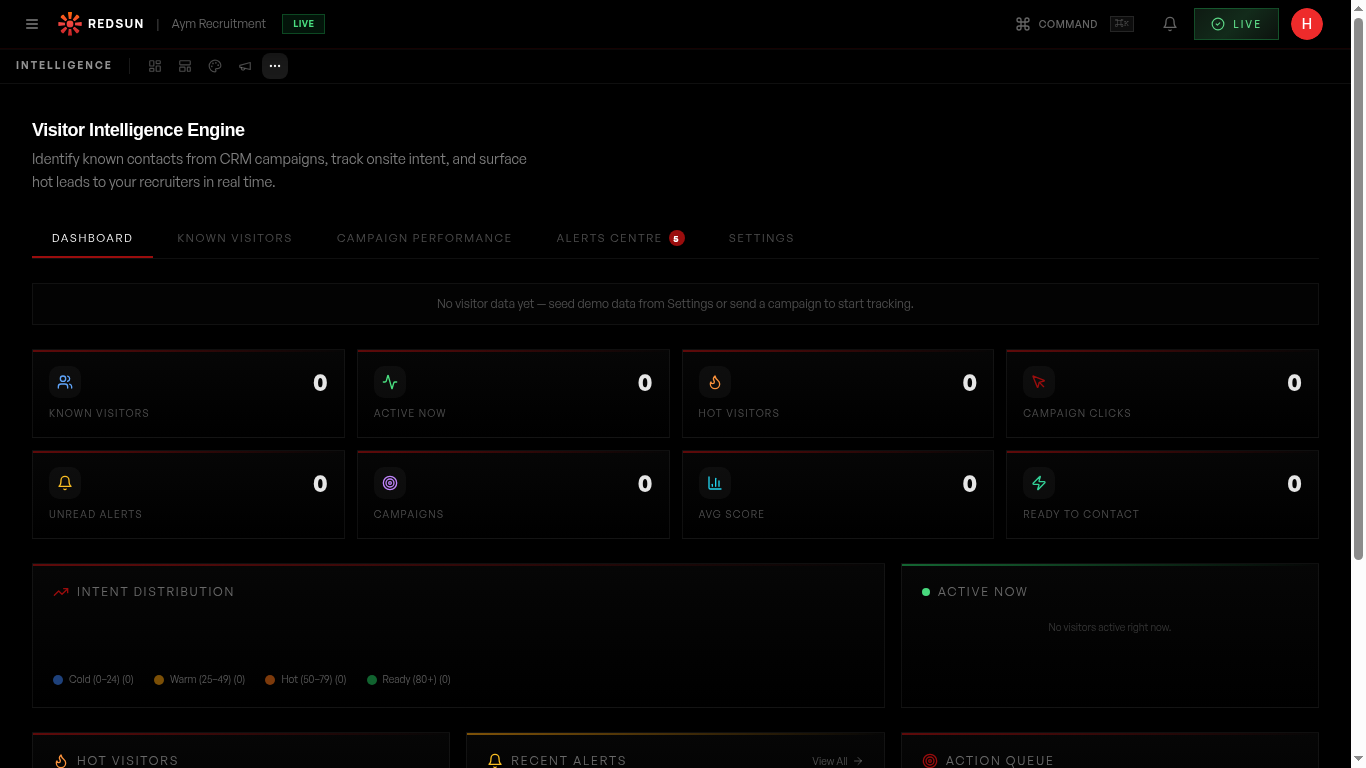
The re-engagement feed appears in your Visitor Intelligence dashboard. It shows real-time alerts when previously identified contacts return to your site.
Understand triggers
Re-engagement events are triggered by: return visits from known contacts, campaign link clicks, and company surge activity. Each event shows confidence level and contact details.
Take action
Click on any re-engagement event to see the contact's history, the pages they visited, and suggested next steps. You can send a follow-up email directly from the alert.
Configure preferences
Adjust alert sensitivity, mute specific contacts, and choose which team members receive notifications for different types of re-engagement events.
Guide complete
You've covered all 4 steps. Check out the related guides below.
Still need help?
Our support team is here to assist you.