
Fusion3 min
Alert Preferences
Configure when and how you receive visitor intelligence alerts.
1
Access alert settings
redsunplatform.com
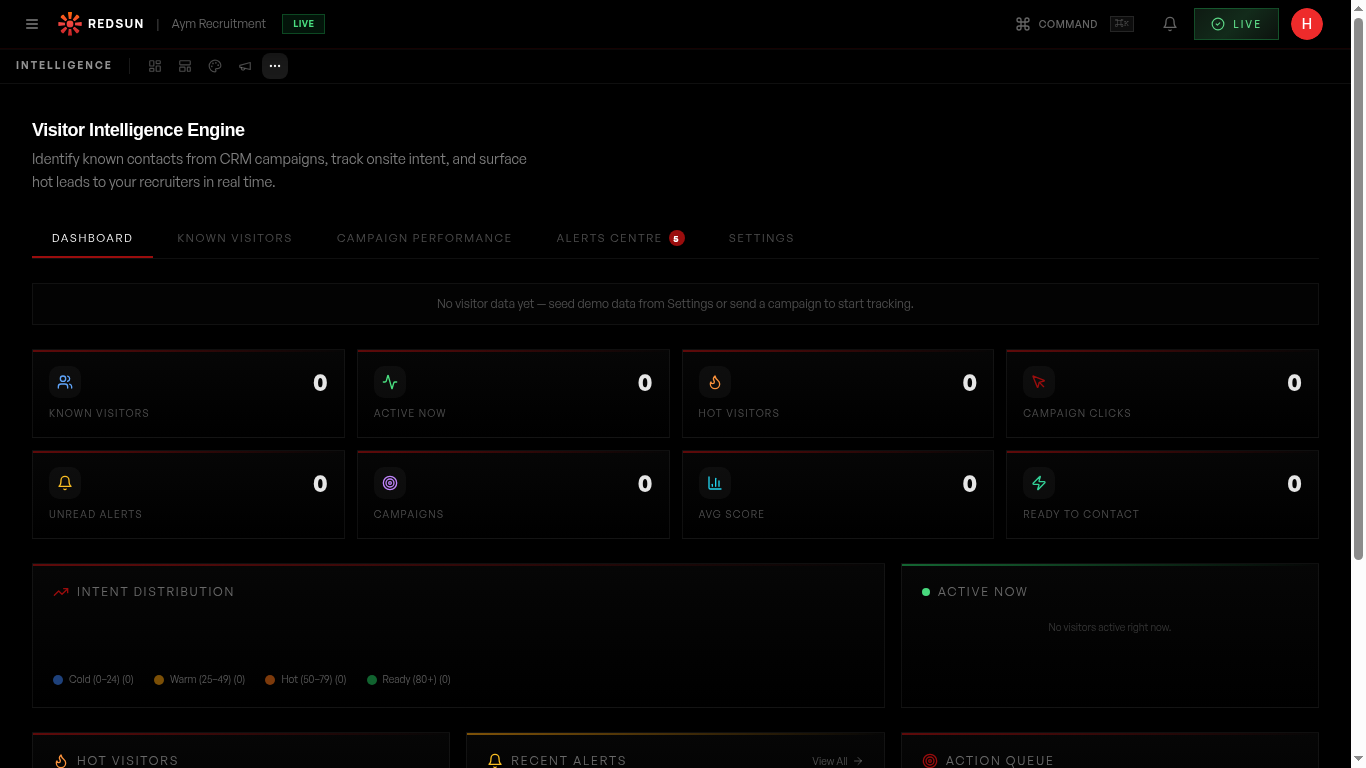
In your Visitor Intelligence settings, open the alerts configuration panel. Here you control notification frequency, channels, and severity thresholds.
2
Set severity levels
redsunplatform.com
Choose which events trigger alerts: all re-engagements, only high-intent visitors, or only qualified leads. Reduce noise by focusing on what matters.
3
Notification channels
redsunplatform.com
Choose how you receive alerts: in-platform notifications, email digests, or instant email alerts for high-priority events.
4
Mute specific contacts
redsunplatform.com
Mute alerts for specific contacts you're already engaged with, or for internal team members who visit your own site.
Guide complete
You've covered all 4 steps. Check out the related guides below.
Still need help?
Our support team is here to assist you.