
3 min
Importing from an Existing Site
Extract branding and content from your current website to accelerate setup.
1
Enter your website URL
redsunplatform.com
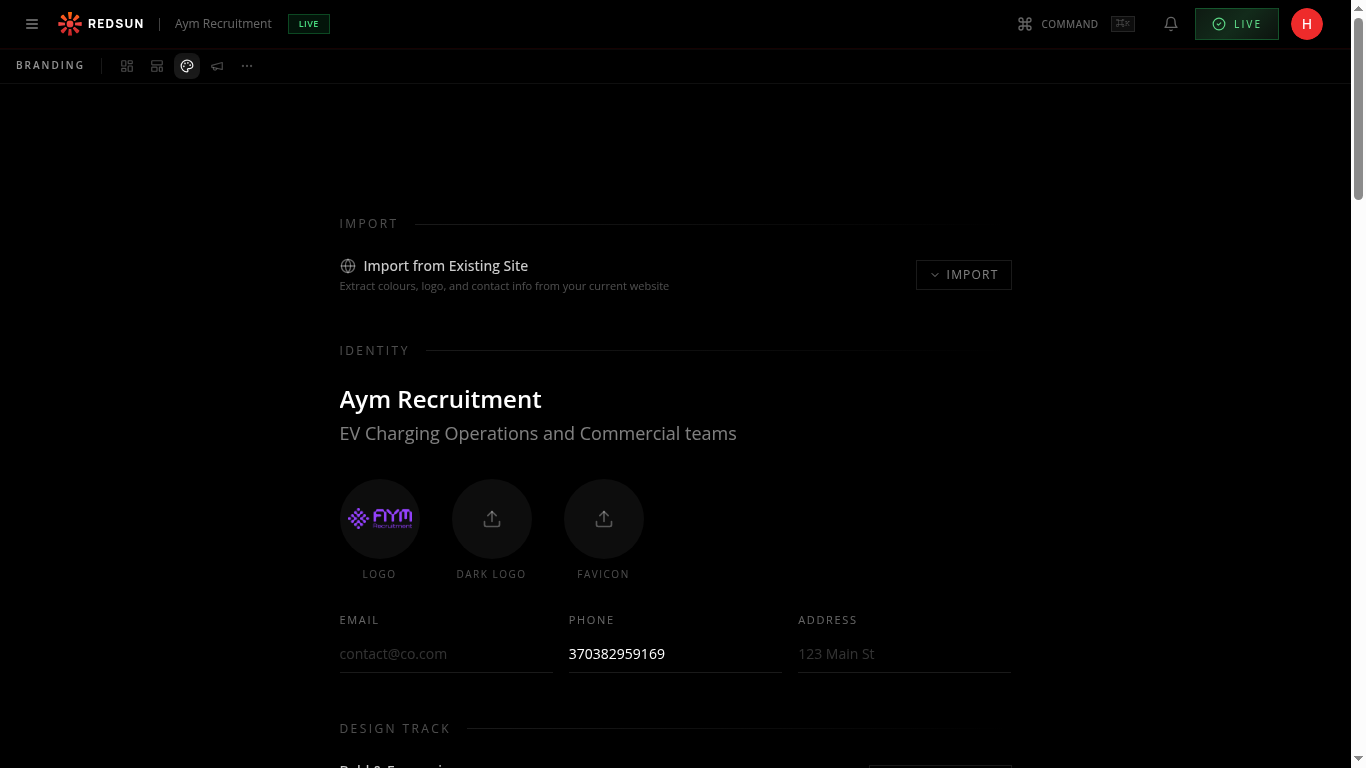
During setup, paste your existing website URL in the import field. Redsun will crawl the site and extract key information.
2
What gets extracted
redsunplatform.com
The system pulls your logo, brand colours, company description, key pages, and contact information. It uses these to pre-populate your new Redsun site.
3
Review and adjust
redsunplatform.com
Extracted data appears in your setup profile. Review each field and make corrections as needed — the extraction is a helpful starting point, not a final copy.
Guide complete
You've covered all 3 steps. Check out the related guides below.
Still need help?
Our support team is here to assist you.