
2 min
Setting Your Brand Voice
Configure the tone and style of AI-generated content.
1
Choose a voice profile
redsunplatform.com
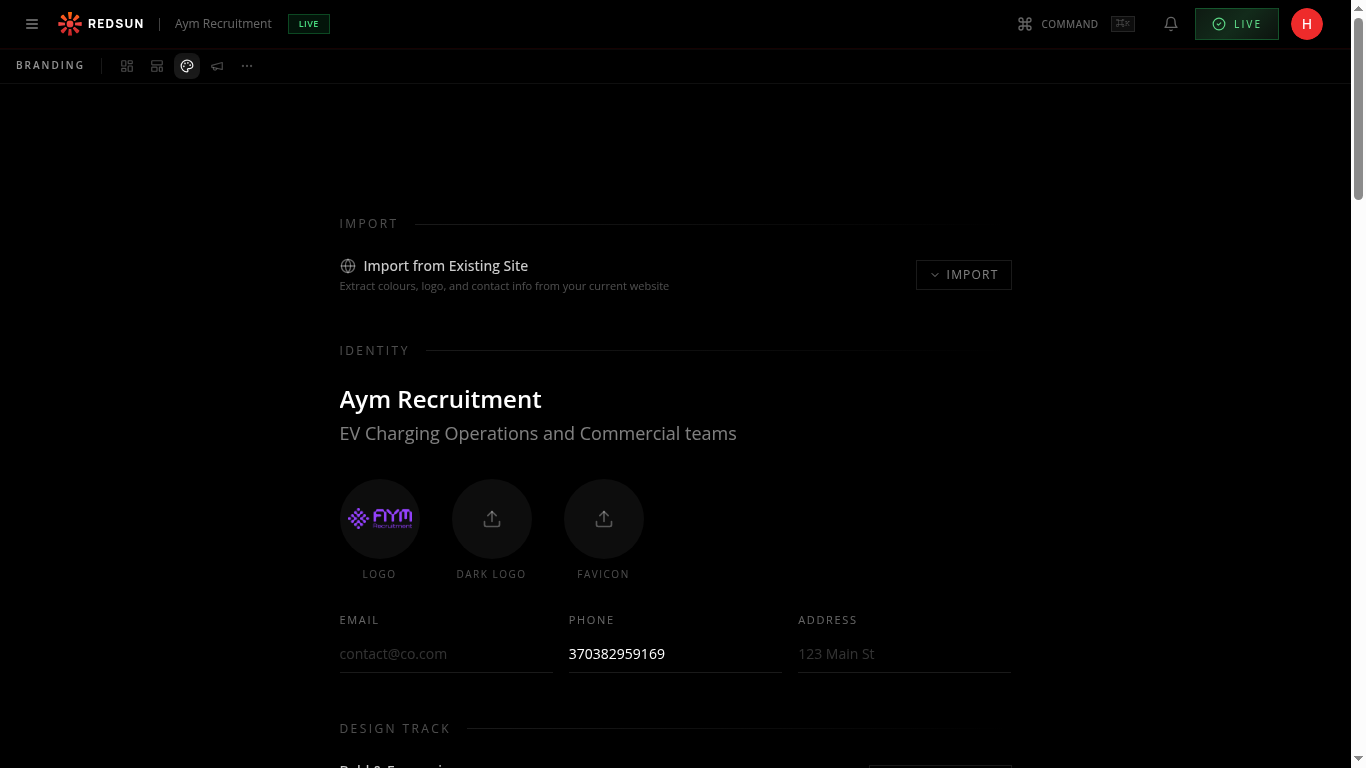
In brand settings, select a voice profile that matches your agency: professional, conversational, bold, or technical. This shapes all AI-generated copy.
2
Industry context
redsunplatform.com
Tag your key industries and sectors. The AI uses these to generate content with relevant terminology, statistics, and market references.
3
Review outputs
redsunplatform.com
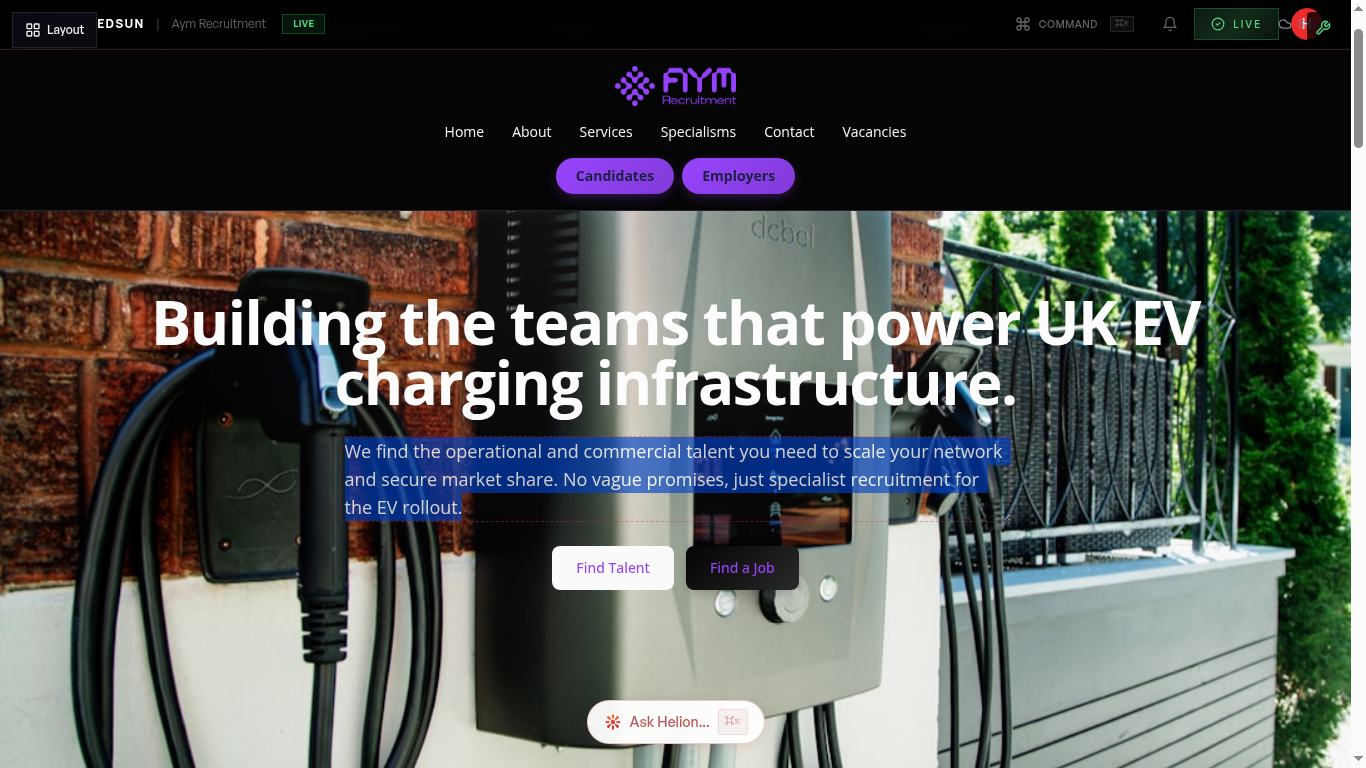
Generate a sample section to see how your voice settings affect the copy. Adjust until the tone feels right for your brand.
Guide complete
You've covered all 3 steps. Check out the related guides below.
Still need help?
Our support team is here to assist you.