
Results Sections Reference
All 24 results section types across candidate and employer wells.
Candidate sections (12 types)
**AI-powered (always populate):** • Market Positioning — percentile ranking, demand score • Career Trajectory — next roles, progression timeline • Compensation — salary leverage, market direction • Risk Signals — career risks, market headwinds • Demand Volatility — hiring demand trends • Opportunities — matched roles from your pool **CRM-powered (need matching data):** • Peer Benchmark — salary vs peers in same role • Skill Demand — skills vs active job requirements • Mobility Map — geographic opportunity spread • Market Timing — optimal application windows • Career Ladder — seniority distribution • Sector Pulse — industry health indicators
Employer sections (12 types)
**AI-powered (always populate):** • Role Attractiveness — hiring difficulty score • Time-to-Fill — estimated fill time • Candidate Supply — talent pool size and quality • Spec Clarity — JD quality scoring • Hiring Risks — market risk signals • Recommended Actions — prioritised next steps **CRM-powered (need matching data):** • Salary Benchmark — salary vs market rates • Talent Availability — pool by seniority • Competitor Pressure — competing roles • Retention Signals — tenure and flight risk • Spec Optimizer — JD improvement suggestions • Sector Pulse — industry hiring trends **Employer-only:** The `well-gate` lead capture form sits mid-page between free and premium sections.
Display variants
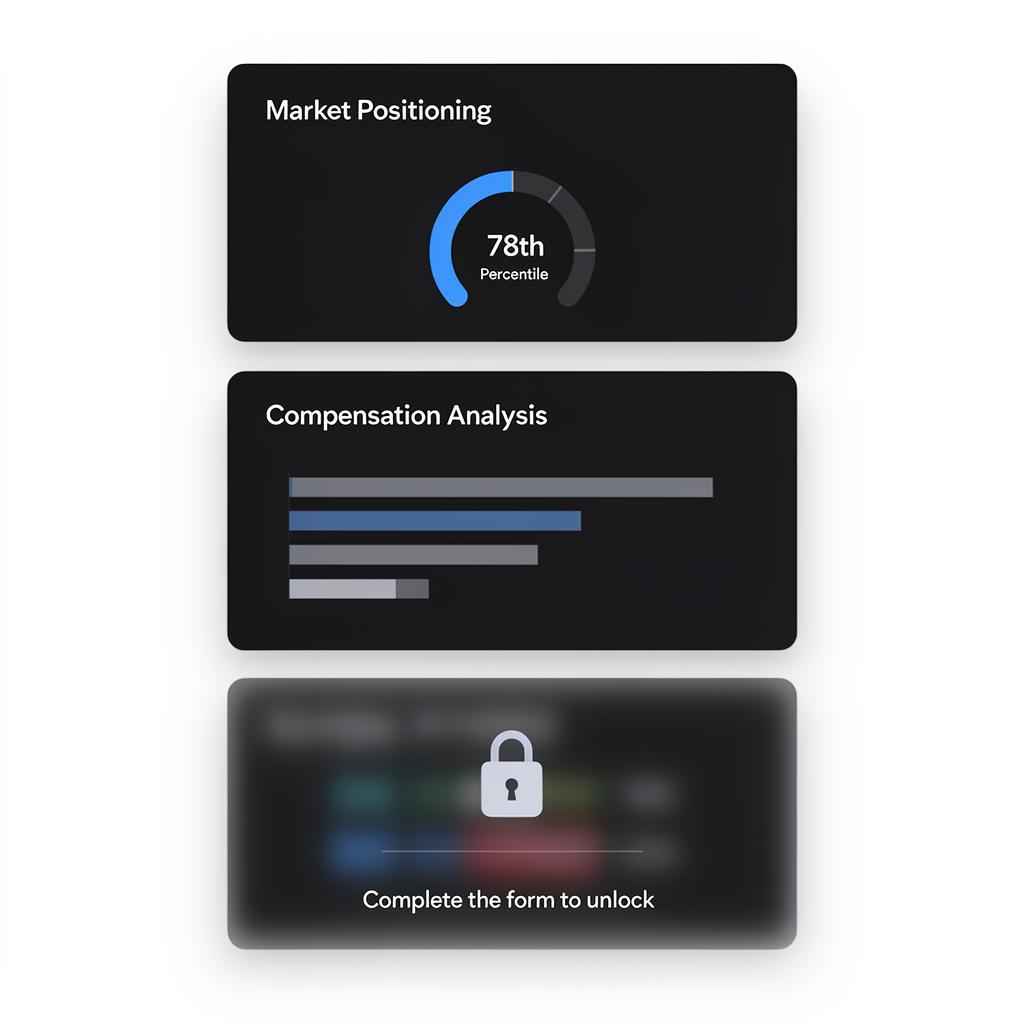
Every section supports three variants: • **Primary** — Rich visualisation (ring gauges, bar charts, trend lines, heat grids, geographic strips) • **Secondary** — Alternative visual renderer for the same data • **Compact** — Single-card list with key-value pairs Visual rendering automatically adapts to your site's design track. The same section looks different on 'executive-dark' vs 'cinematic'.
Content gating
**Candidate wells:** Toggle `gated` on individual sections. Blurred content unlocks when the CV form is completed. No separate gate form. **Employer wells:** Use the `well-gate` section as a mid-page lead capture barrier, plus per-section gating for finer control. **Strategy:** Show 3-5 free sections, then gate the most compelling data to drive conversions.
Lead with your best insights ungated. Visitors need to see value before they'll unlock the rest.
Guide complete
You've covered all 4 steps. Check out the related guides below.
Still need help?
Our support team is here to assist you.