
Creating Your Account
Sign up for Redsun and verify your email address to get started.
Visit the signup page
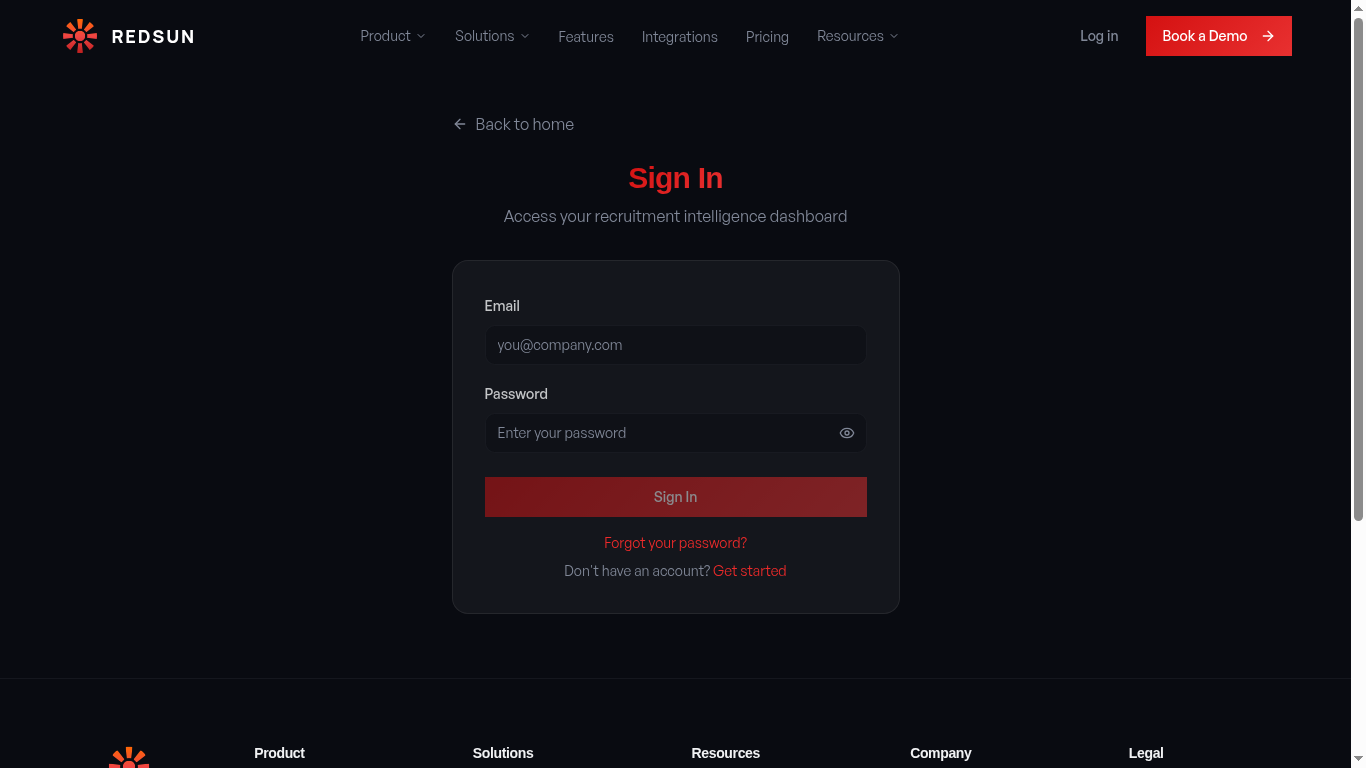
Navigate to the Redsun platform and click 'Get Started' or 'Book a Demo' from the homepage. You'll be directed to the registration page.
Bookmark the login page for quick access later — you'll use it every time you manage your site.
Enter your details
Fill in the registration form with your full name, work email address, and a secure password. The password must be at least 8 characters and include a mix of letters and numbers.
Use your company email, not a personal one. Your email becomes your primary login and is used for all platform notifications.
Verify your email
Check your inbox for a verification email from Redsun. Click the confirmation link inside to activate your account. The link expires after 24 hours.
Not seeing the email? Check your spam/junk folder, or search for 'Redsun' in your inbox. You can request a new verification email from the login page.
Log in for the first time
Return to the login page and sign in with your verified credentials. You'll be taken straight into the onboarding setup questionnaire.
Go to loginGuide complete
You've covered all 4 steps. Check out the related guides below.
Still need help?
Our support team is here to assist you.