
Setup Questionnaire
Tell us about your agency so we can generate the perfect site for you.
Enter company basics
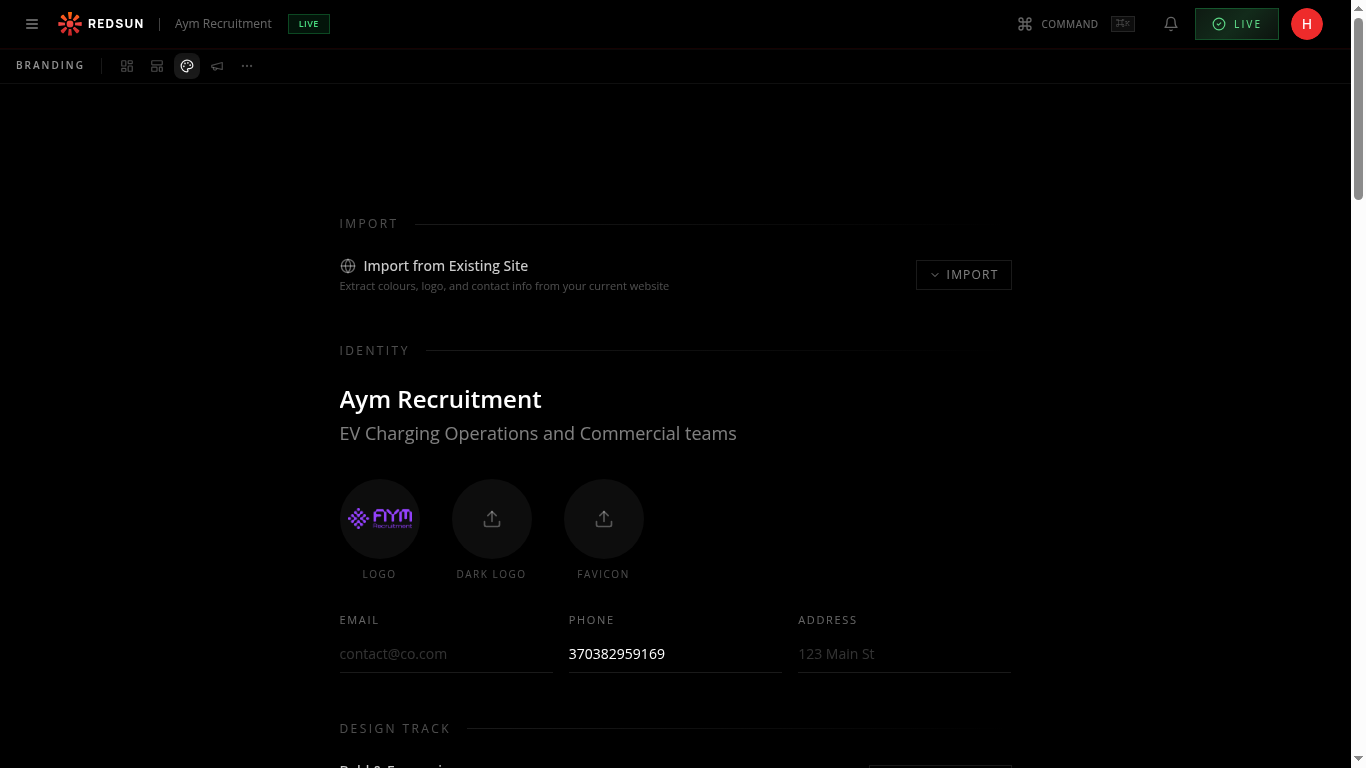
Type your agency name and a one-liner tagline that describes what you do. Select your primary industry sectors from the dropdown — you can choose multiple. This information shapes your site content and SEO strategy.
Your one-liner appears prominently on your homepage hero section. Make it punchy and specific — avoid generic phrases like 'leading recruitment agency'.
Set territory & currency
Choose your primary geography (e.g. UK, US, EMEA) and default currency from the dropdowns. This configures how salary ranges display and localises content throughout your site.
Choose your URL slug
Pick a unique URL slug for your site (e.g. yourname.redsunplatform.com). Type it into the slug field and the system will check availability in real time. Slugs must be lowercase with hyphens only.
Your slug cannot be changed after site generation. Choose carefully — it becomes your default web address until you connect a custom domain.
Select your brand voice
Choose a tone that matches your agency personality — professional, conversational, bold, or technical. This controls how the AI generates copy across every page of your site.
You can change your brand voice later from the Branding settings, but choosing correctly here saves time on content edits.
Import existing site (optional)
If you have an existing website, paste the full URL into the import field. Redsun will extract your logo, brand colours, fonts, and page content to accelerate setup. This typically takes 30–60 seconds.
Even if your existing site is outdated, importing it gives the AI a strong starting point for colour matching and tone calibration.
Guide complete
You've covered all 5 steps. Check out the related guides below.
Still need help?
Our support team is here to assist you.