
AI Site Generation (SunRise Sequence)
Watch Redsun's AI build your complete recruitment website in minutes.
Trigger generation
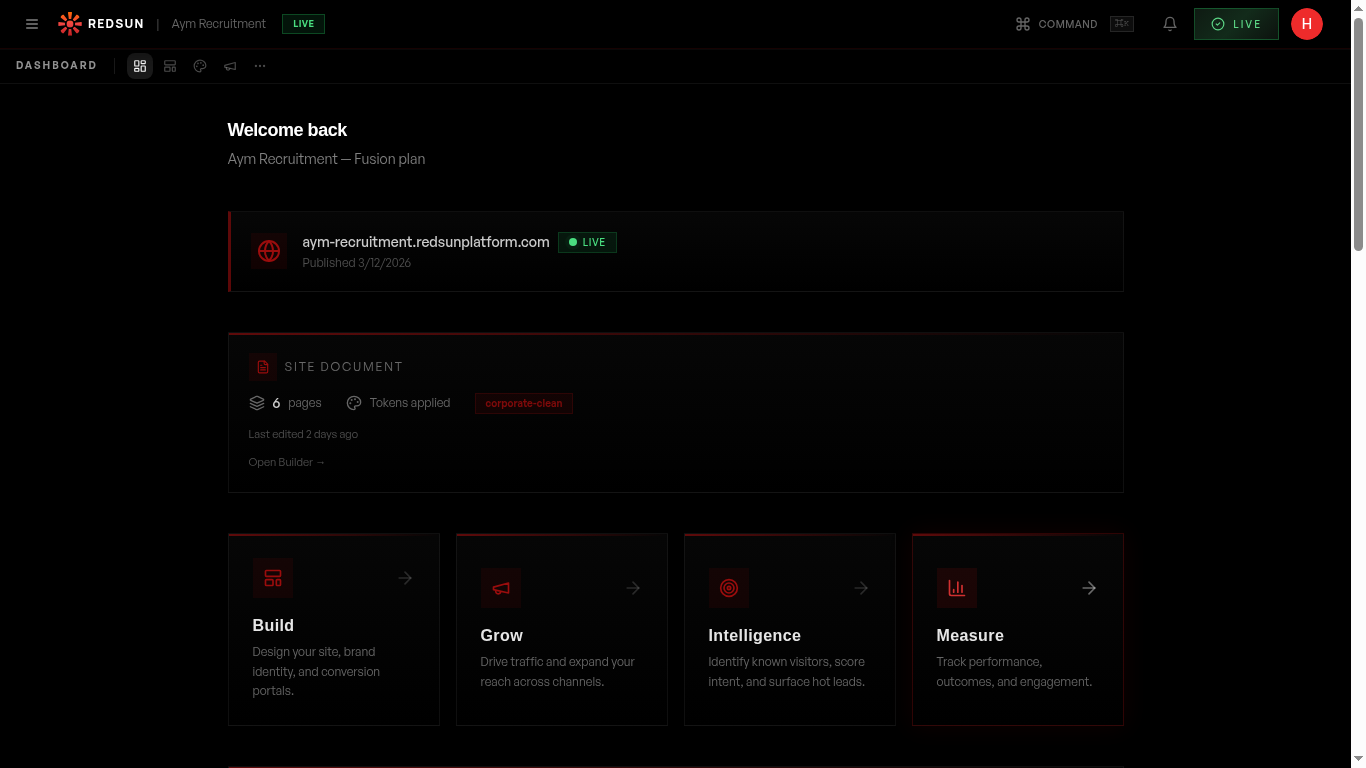
After completing the setup questionnaire, Redsun's SunRise Sequence automatically begins generating your site. You'll see a real-time progress indicator showing each stage.
Generation takes 60–90 seconds. Don't close the browser tab while it's running.
What gets generated
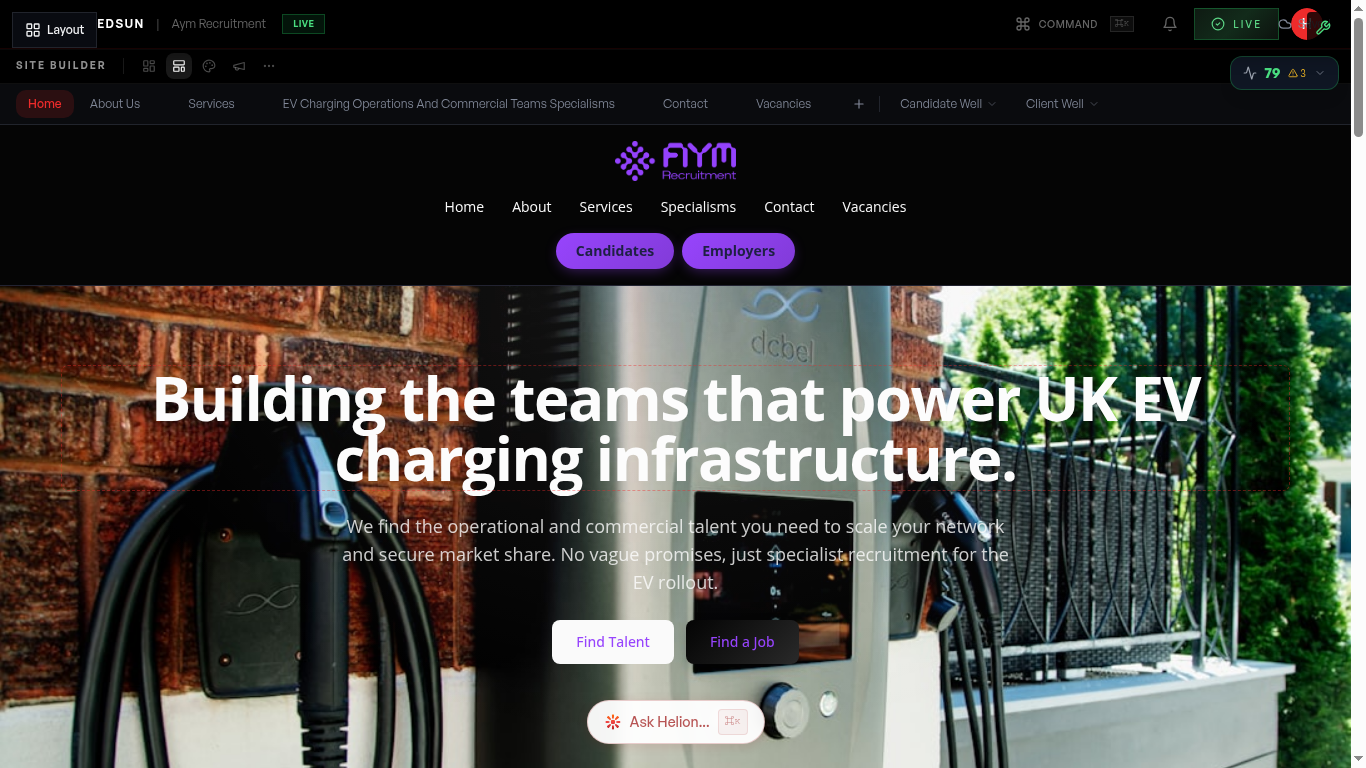
The AI creates a complete multi-page website including: homepage with hero section, about page, services/sectors pages, candidate and employer landing pages, and a contact page — all with industry-specific copy.
Review your site
Once generation completes, you're taken to the site builder where you can preview every page. The AI has populated content, chosen layouts, and applied your brand colours.
Make adjustments
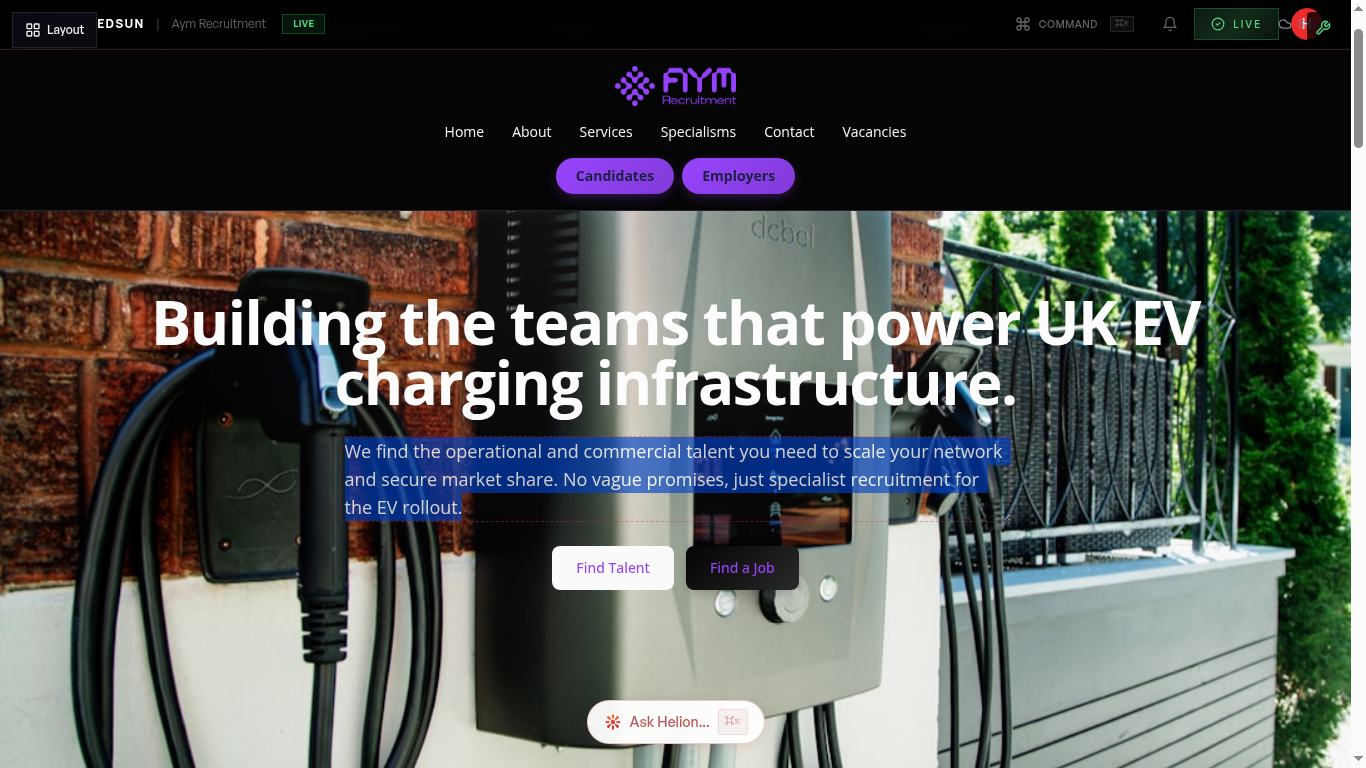
Edit any section, swap layouts, regenerate copy, or add new pages. The generated site is a starting point — you have full control over every element.
Focus on the homepage hero first — it's the most impactful section for first impressions.
Guide complete
You've covered all 4 steps. Check out the related guides below.
Still need help?
Our support team is here to assist you.