
Publishing Your Site
Take your site live and share it with the world.
Preview your site
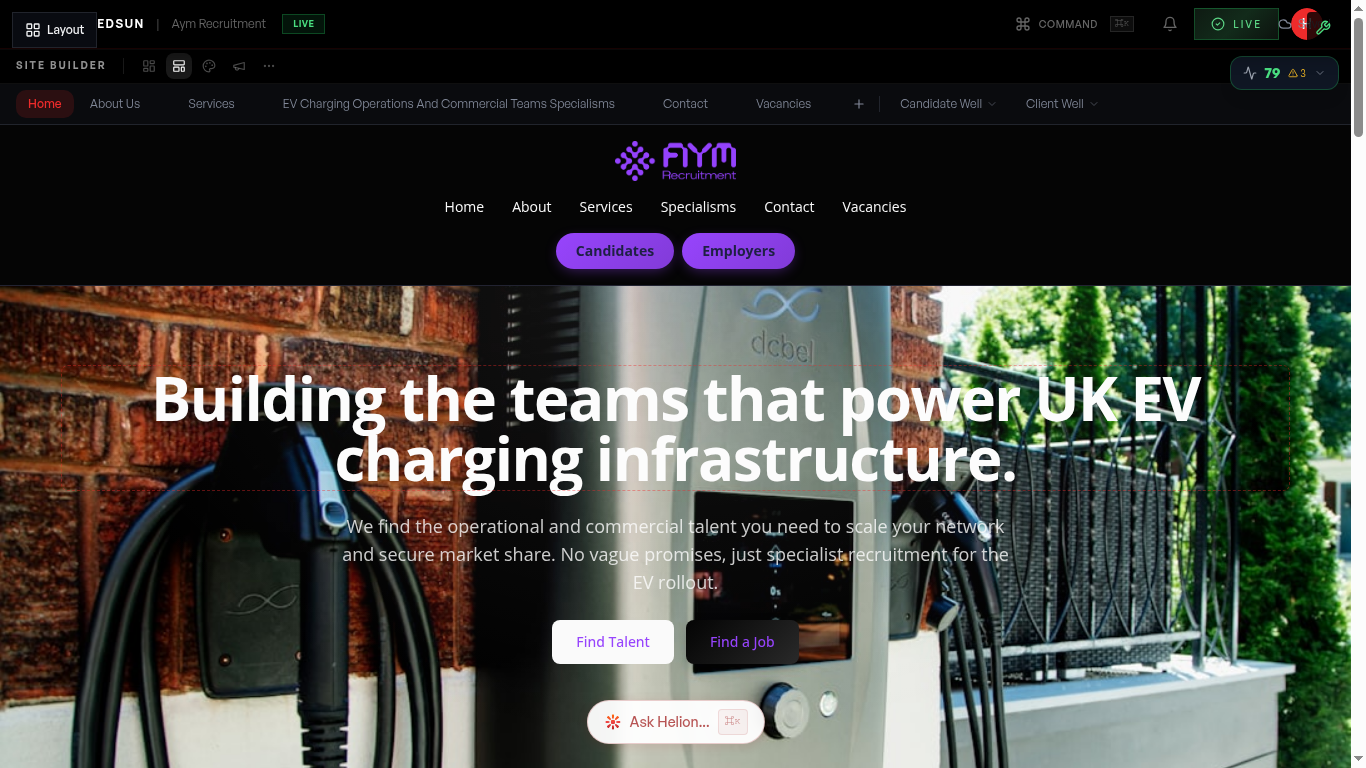
Before publishing, use the preview mode to check your site on both desktop and mobile. Navigate through all pages to ensure everything looks right.
Hit Publish
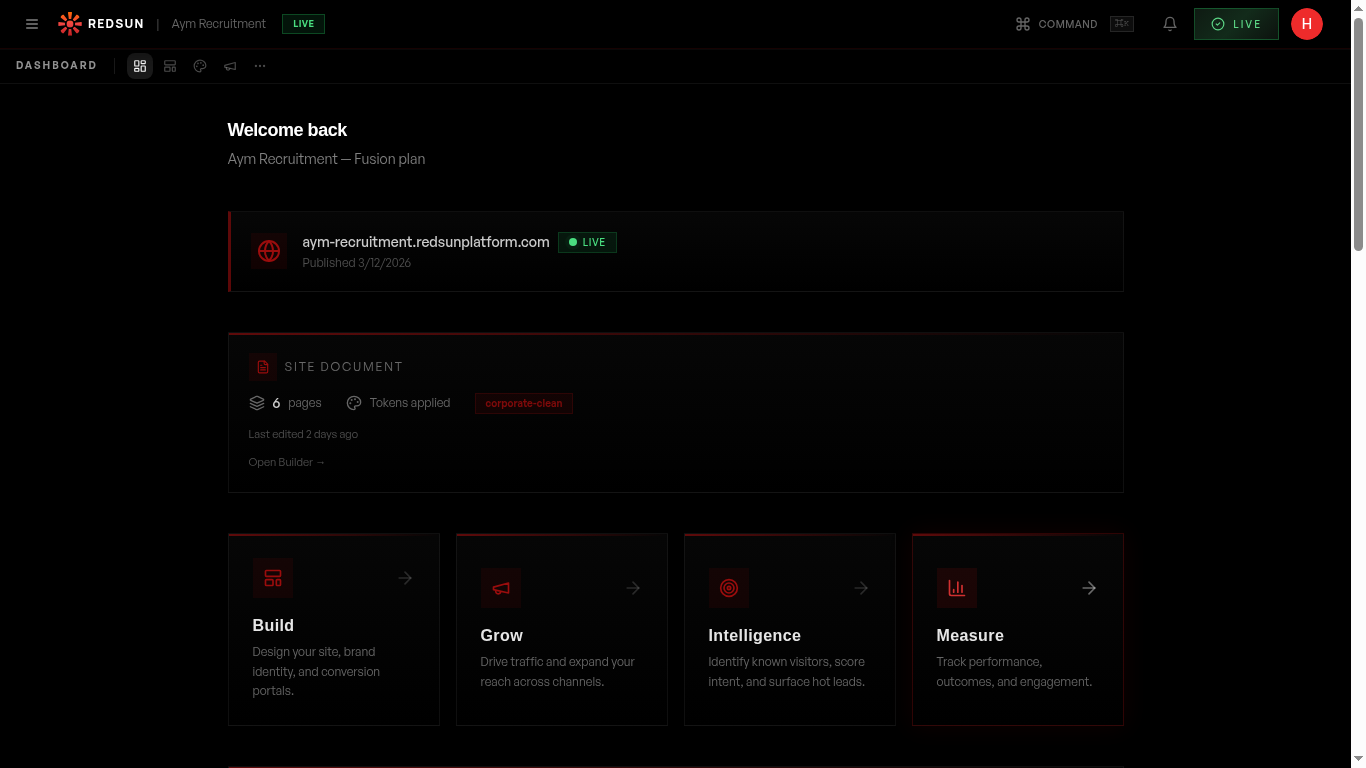
Click the green 'LIVE' button in the top-right corner of the dashboard. A confirmation dialog will appear showing what's changed since the last publish.
Celebrate!
Your site is now live! You'll see a celebration animation confirming the publish. Your site is accessible at your chosen slug URL immediately.
Share your URL
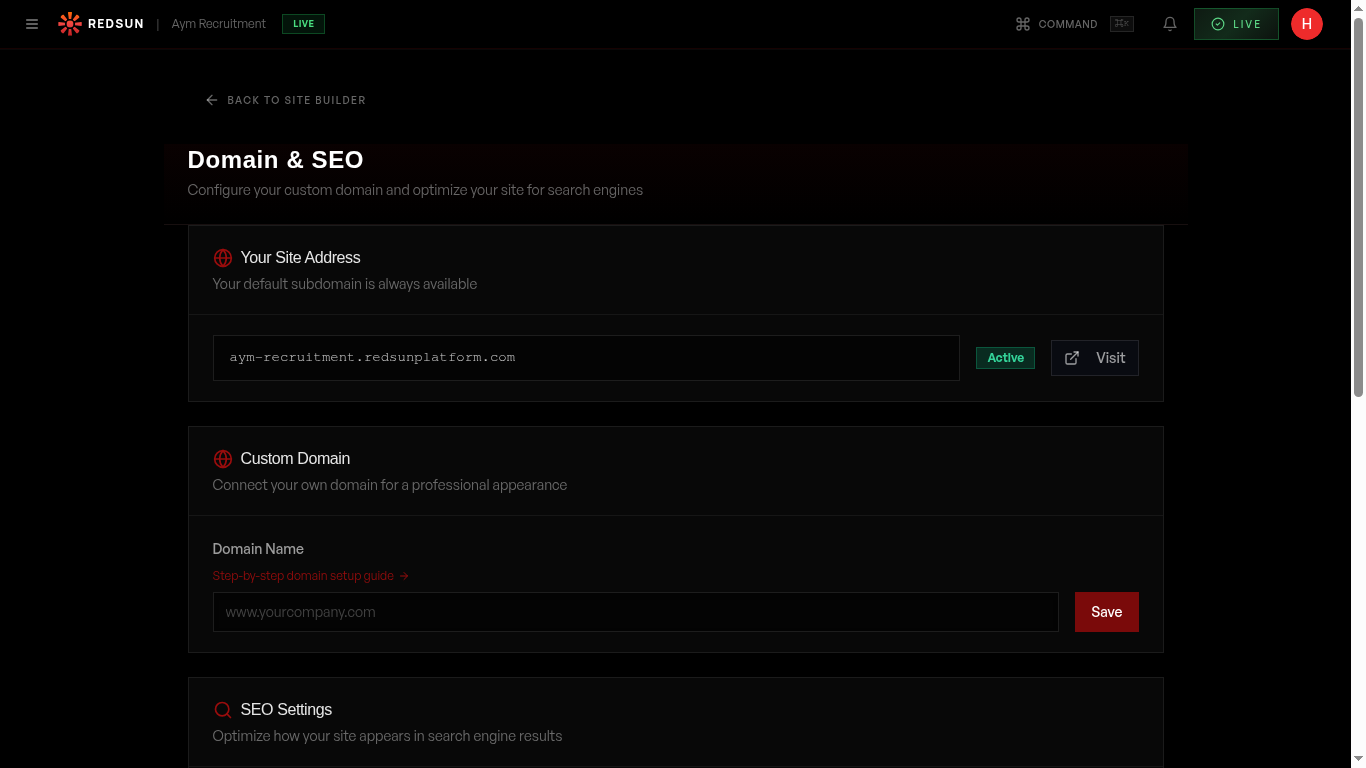
Copy your live site URL and share it on LinkedIn, email signatures, and job boards. If you're on Flare or above, set up a custom domain for a professional branded URL.
Set up your email signature links right after publishing — it's the easiest way to start driving traffic passively.
Guide complete
You've covered all 4 steps. Check out the related guides below.
Still need help?
Our support team is here to assist you.