
Fusion4 min
Creating & Managing Sectors
Add industry sectors to your platform for targeted marketing.
1
Navigate to sectors
redsunplatform.com
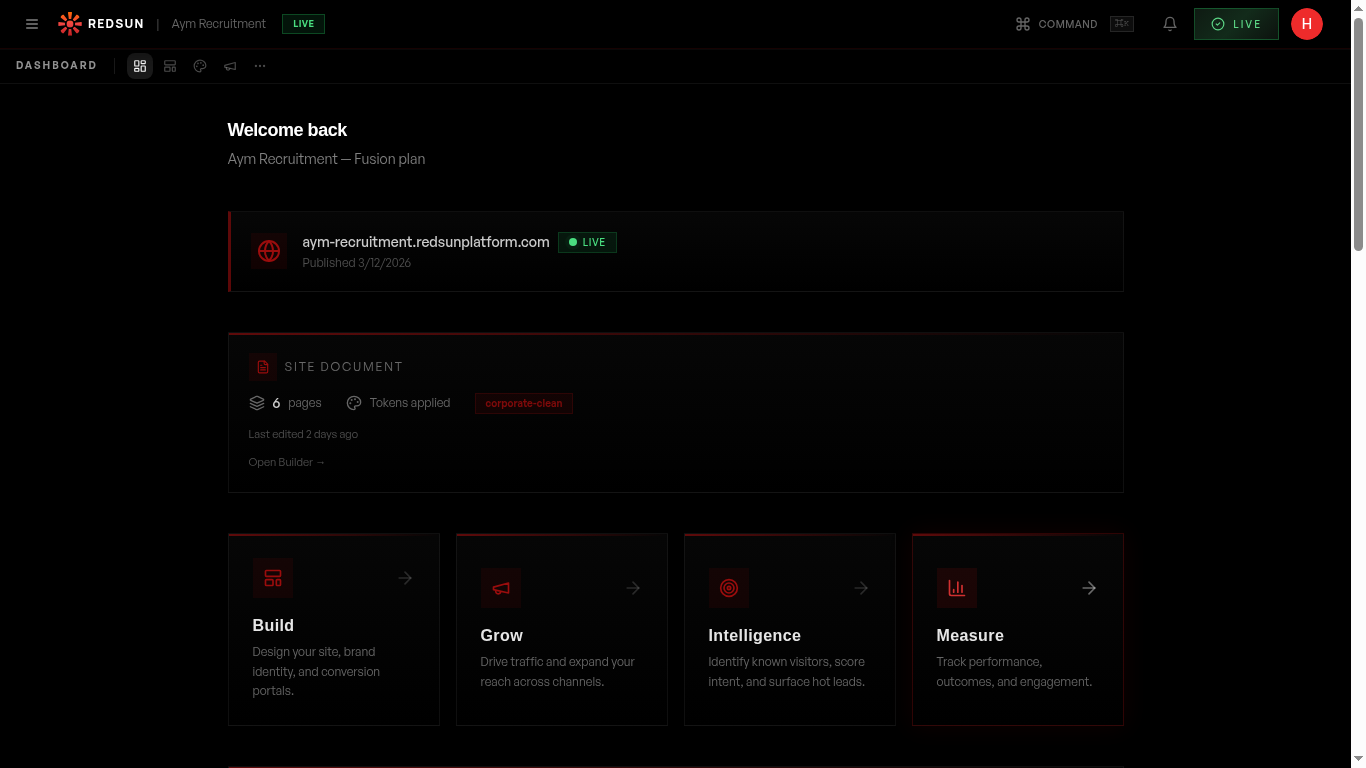
In your dashboard, find the Sectors panel. This is where you create and manage your industry verticals.
2
Add a new sector
redsunplatform.com
Click 'Add Sector' and provide: sector name, slug, description, and key industries covered. Each sector becomes a mini brand within your main site.
3
Configure sector details
redsunplatform.com
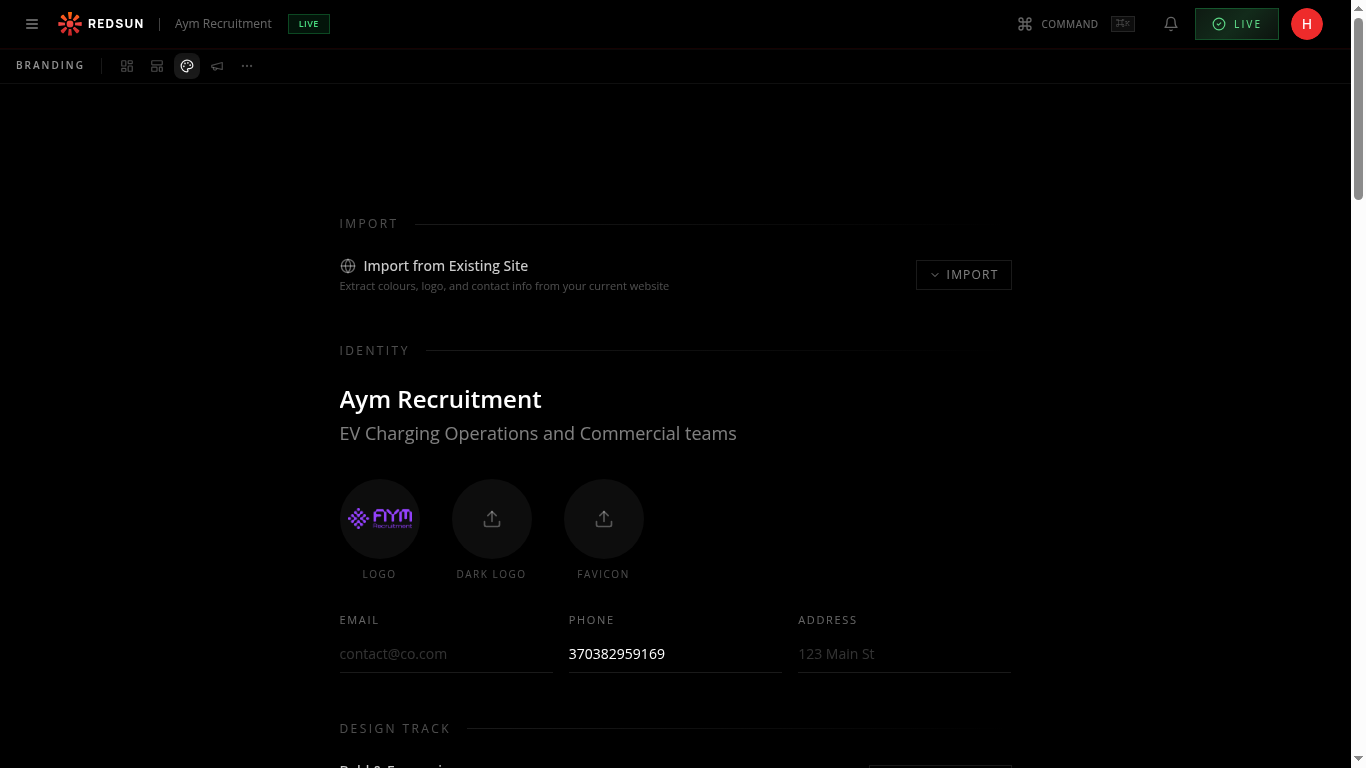
Set sector-specific brand messaging, target companies, and specialisation areas. This data feeds into AI content generation for that sector.
4
Manage multiple sectors
redsunplatform.com
View all sectors in a list. Edit, reorder, or deactivate sectors as your business focus evolves.
Guide complete
You've covered all 4 steps. Check out the related guides below.
Still need help?
Our support team is here to assist you.