
Fusion4 min
Generating Sector Microsites
Let AI create a complete microsite for each of your sectors.
1
Trigger microsite generation
redsunplatform.com
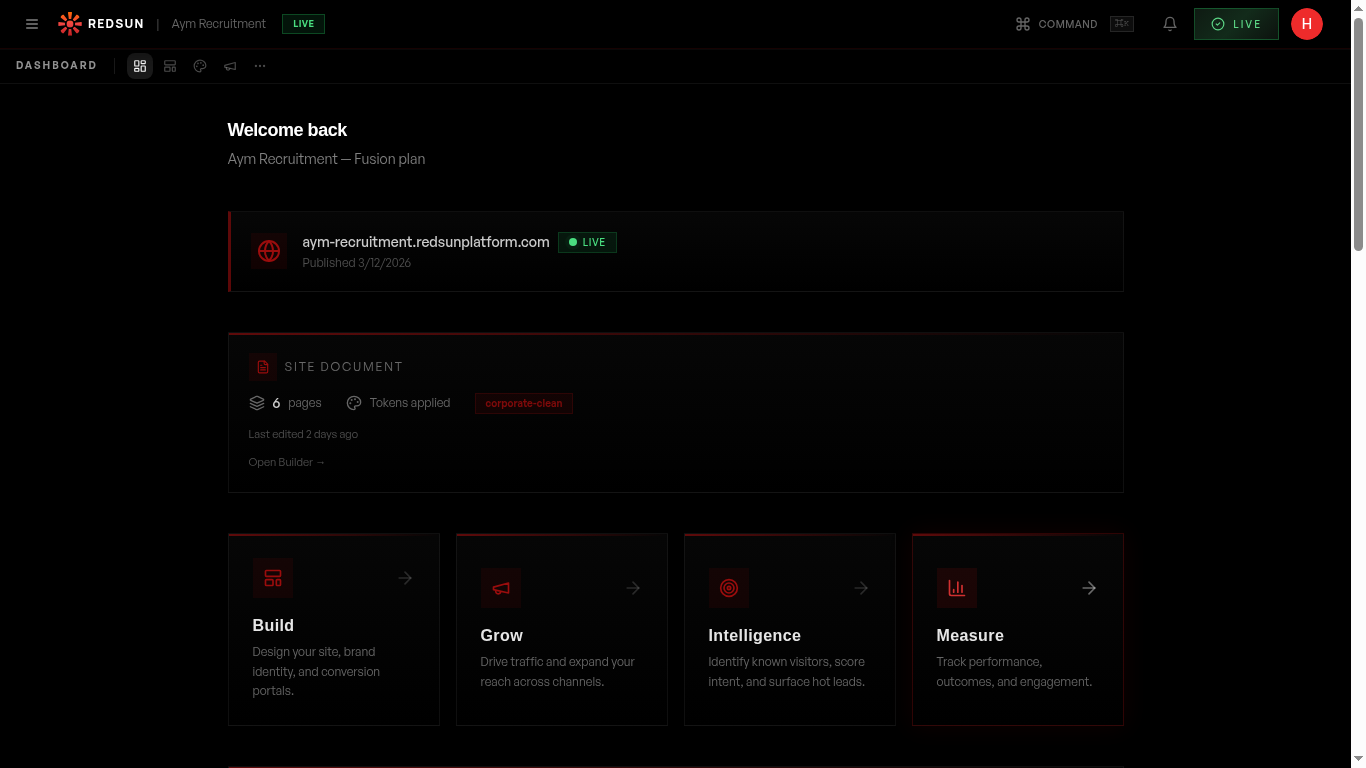
After creating a sector, click 'Generate Microsite'. The AI creates a complete mini-site with pages, content, and navigation tailored to that sector.
2
What gets generated
redsunplatform.com
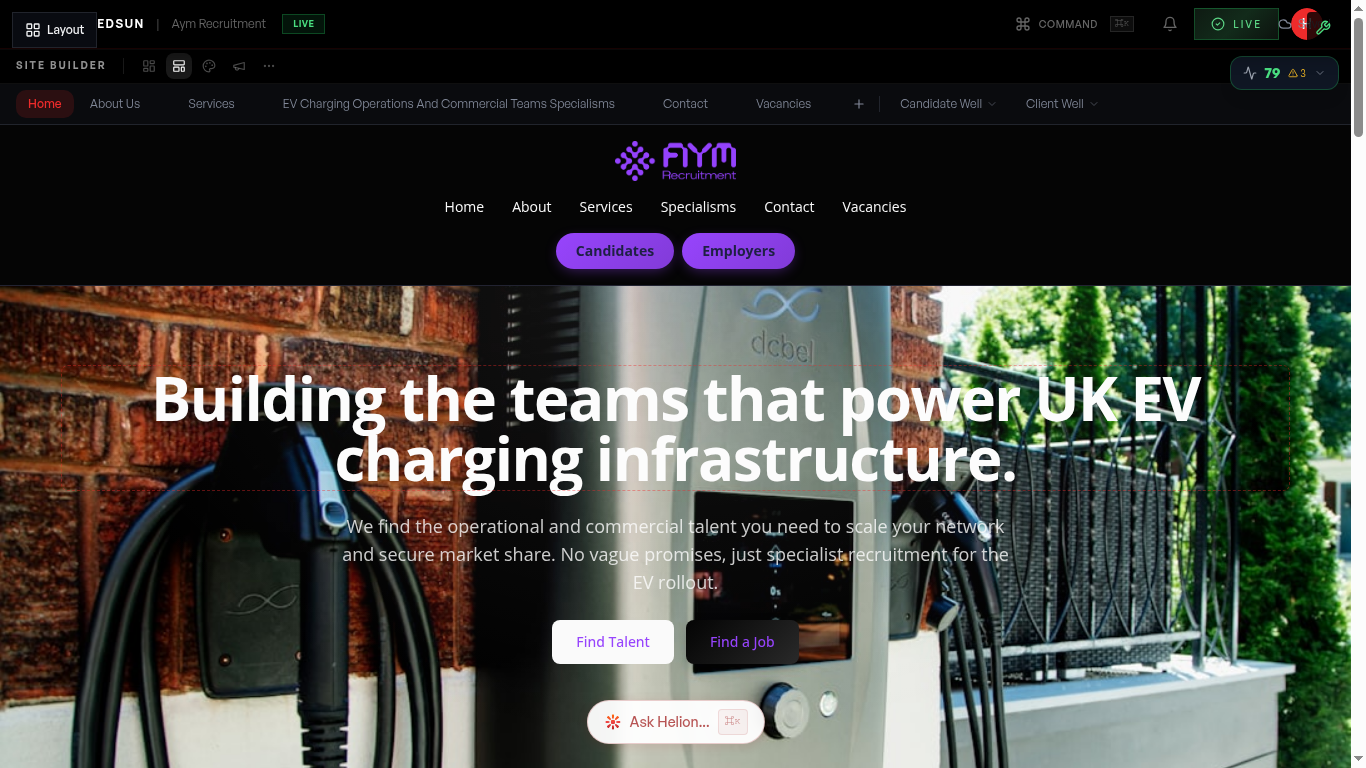
Each microsite includes: a sector homepage, relevant service pages, sector-specific candidate and employer wells, and tailored SEO content.
3
Edit and customise
redsunplatform.com
Use the builder to edit the microsite like any other page. The builder shows a sector indicator so you know which microsite you're editing.
4
Publish independently
redsunplatform.com
Microsites can be published independently from your main site. Changes to one don't affect others.
Guide complete
You've covered all 4 steps. Check out the related guides below.
Still need help?
Our support team is here to assist you.