
2 min
Notification Bell & Panel
Stay informed about site activity, leads, and system events.
1
Access notifications
redsunplatform.com
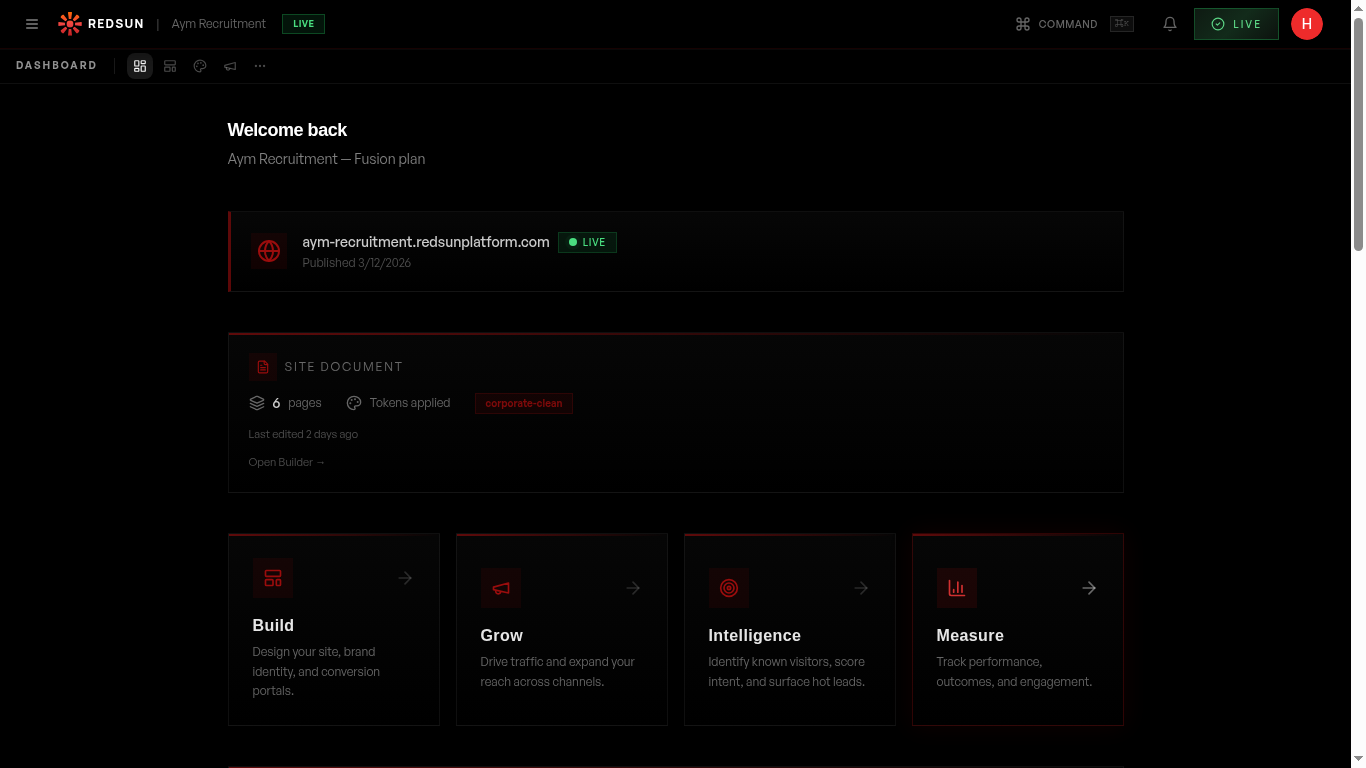
Click the bell icon in the top-right of your dashboard. The panel shows recent events: new leads, site publishes, team activity, and system alerts.
2
Notification types
redsunplatform.com
Notifications include: new candidate/employer leads, successful publishes, CRM sync updates, team member actions, and billing reminders.
3
Mark as read
redsunplatform.com
Click on a notification to mark it as read and navigate to the relevant section. Use 'Mark all as read' to clear the indicator.
Guide complete
You've covered all 3 steps. Check out the related guides below.
Still need help?
Our support team is here to assist you.