
3 min
Help & Support
Create support tickets and get help from the Redsun team.
1
Access support
redsunplatform.com
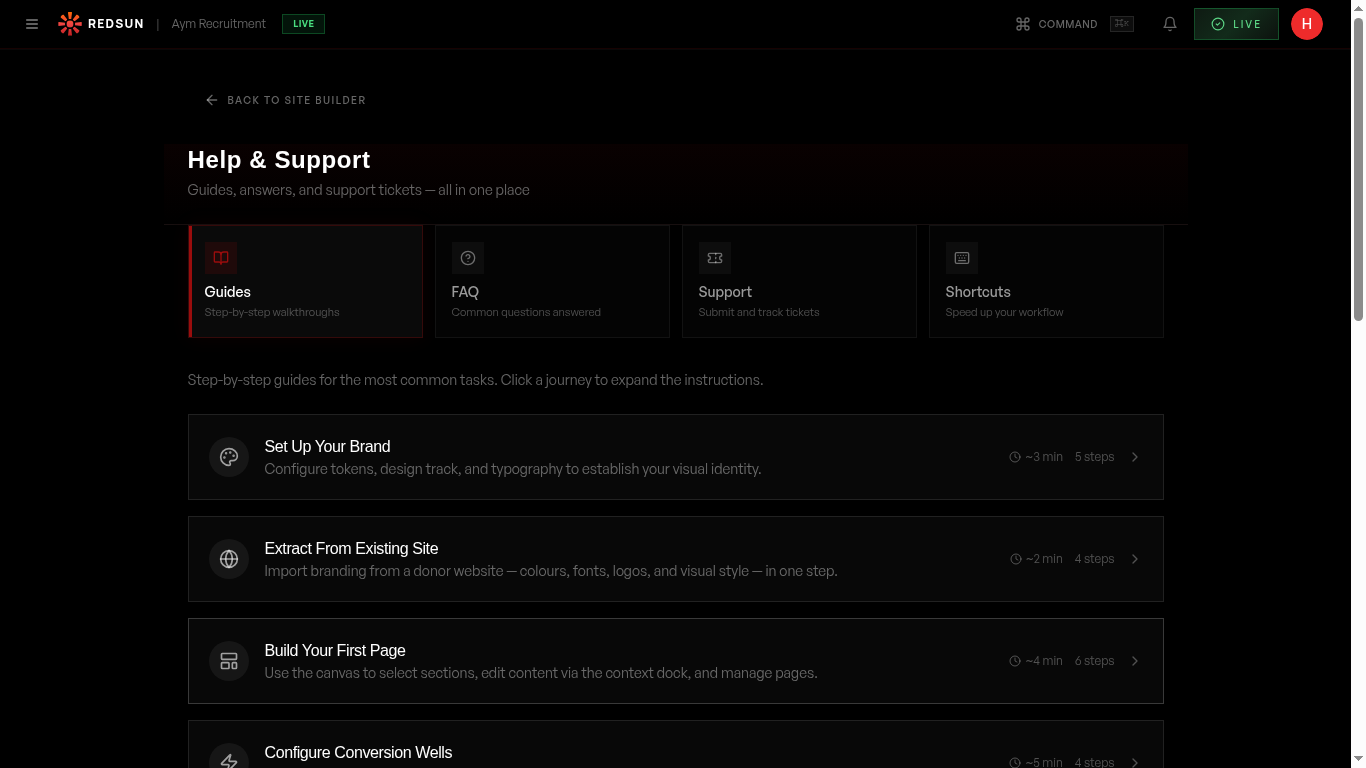
Navigate to Settings → Help or click the help icon in your dashboard. You can browse help articles or create a new support ticket.
Help & support2
Create a ticket
redsunplatform.com
Click 'New Ticket' and describe your issue. Select a category (bug, feature request, billing, general) and priority level.
3
Track your ticket
redsunplatform.com
View all your open and resolved tickets. Each ticket shows its status, priority, and response history.
4
AI assistant
redsunplatform.com
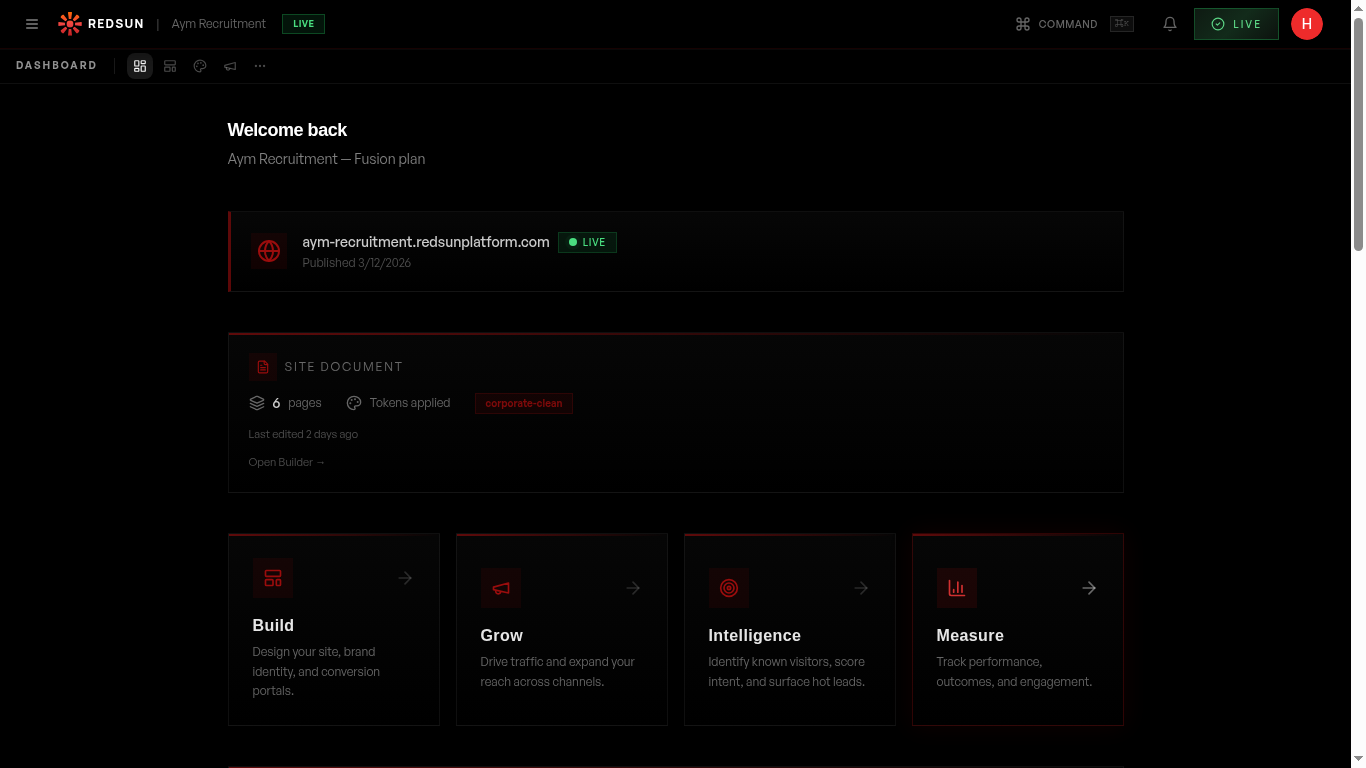
Use the Helion AI assistant for instant answers to common questions. It can guide you through features and troubleshoot basic issues.
Guide complete
You've covered all 4 steps. Check out the related guides below.
Still need help?
Our support team is here to assist you.