
Domain & SEO Settings
Configure meta titles, descriptions, and sitemap for search engines.
Access SEO settings
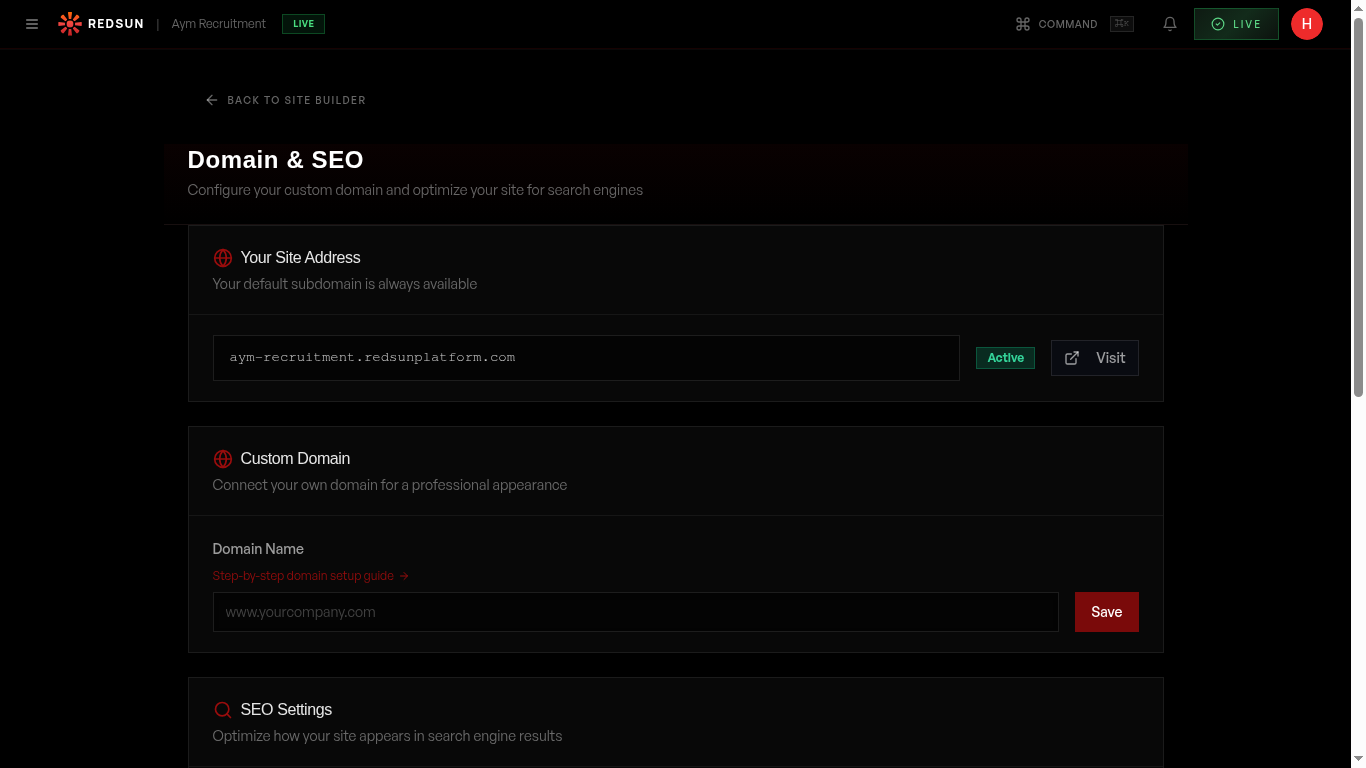
Navigate to Settings → Domain or find SEO controls within the builder's page settings. Each page has its own meta title and description.
Domain settingsSet page meta titles
Write a unique meta title for each page (under 60 characters). Include your primary keyword and brand name. Example: 'Engineering Recruitment London | YourAgency'.
Write meta descriptions
Write compelling meta descriptions (under 160 characters) for each page. These appear in search results and influence click-through rates.
Sitemap
Redsun automatically generates and maintains your sitemap.xml. It's updated every time you publish and submitted to search engines.
Social sharing
Configure Open Graph tags for social media sharing. Set a default share image and description that appear when someone shares your URL.
Guide complete
You've covered all 5 steps. Check out the related guides below.
Still need help?
Our support team is here to assist you.