
4 min
Team Management
Invite team members, assign roles, and manage access.
1
Access team settings
redsunplatform.com
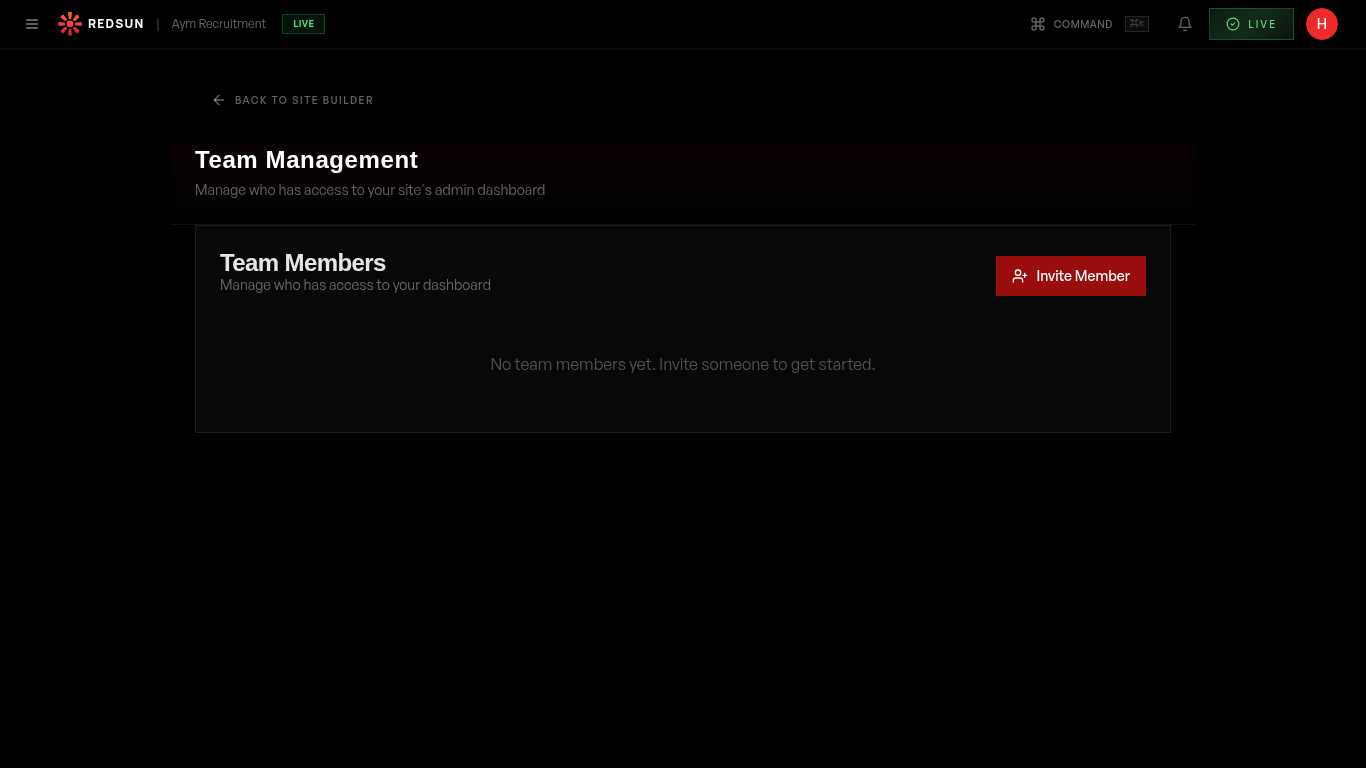
Navigate to Settings → Team in your dashboard. You'll see a list of all current team members and their roles.
Team settings2
Invite a team member
redsunplatform.com
Click 'Invite' and enter their email address. They'll receive an invitation to join your Redsun account. You can set their role during invitation.
3
Assign roles
redsunplatform.com
Roles control what each team member can access: Admin (full access), Editor (site editing), and Viewer (read-only analytics). Assign appropriate roles based on responsibility.
4
Remove team members
redsunplatform.com
Click the options menu on any team member to deactivate or remove their access. Their tracked links and attribution data are preserved.
Guide complete
You've covered all 4 steps. Check out the related guides below.
Still need help?
Our support team is here to assist you.