
Flare+3 min
Email Signature Link Generator
Create branded, tracked links for email signatures.
1
Generate signature link
redsunplatform.com
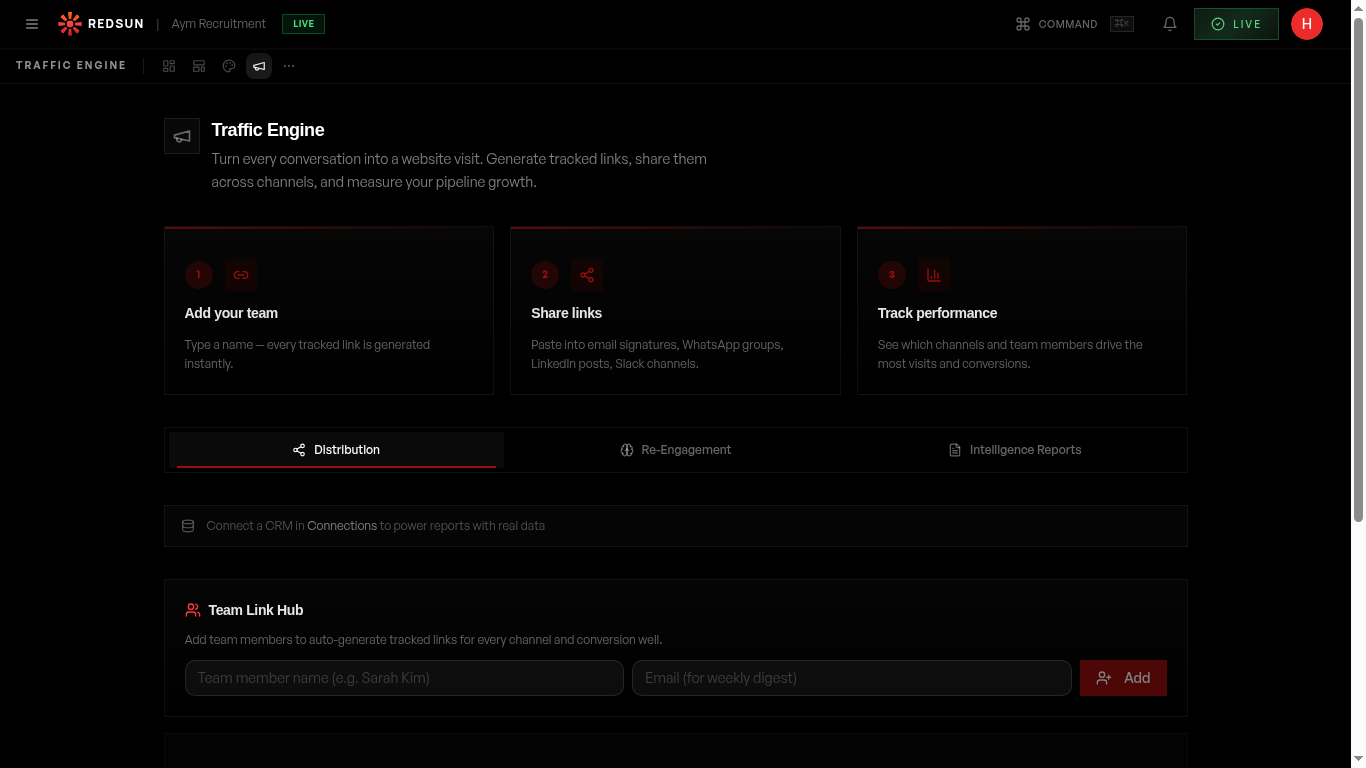
In the traffic engine, select a team member and click 'Email Signature'. This generates a tracked link specifically formatted for email signature use.
2
Copy the link
redsunplatform.com
Copy the generated URL. It includes UTM parameters identifying the source as 'email-signature' and the team member.
3
Add to your email client
redsunplatform.com
Paste the link into your email signature in Outlook, Gmail, or your email client. Wrap it around a CTA like 'View our latest roles' or 'Explore career opportunities'.
4
Track clicks
redsunplatform.com
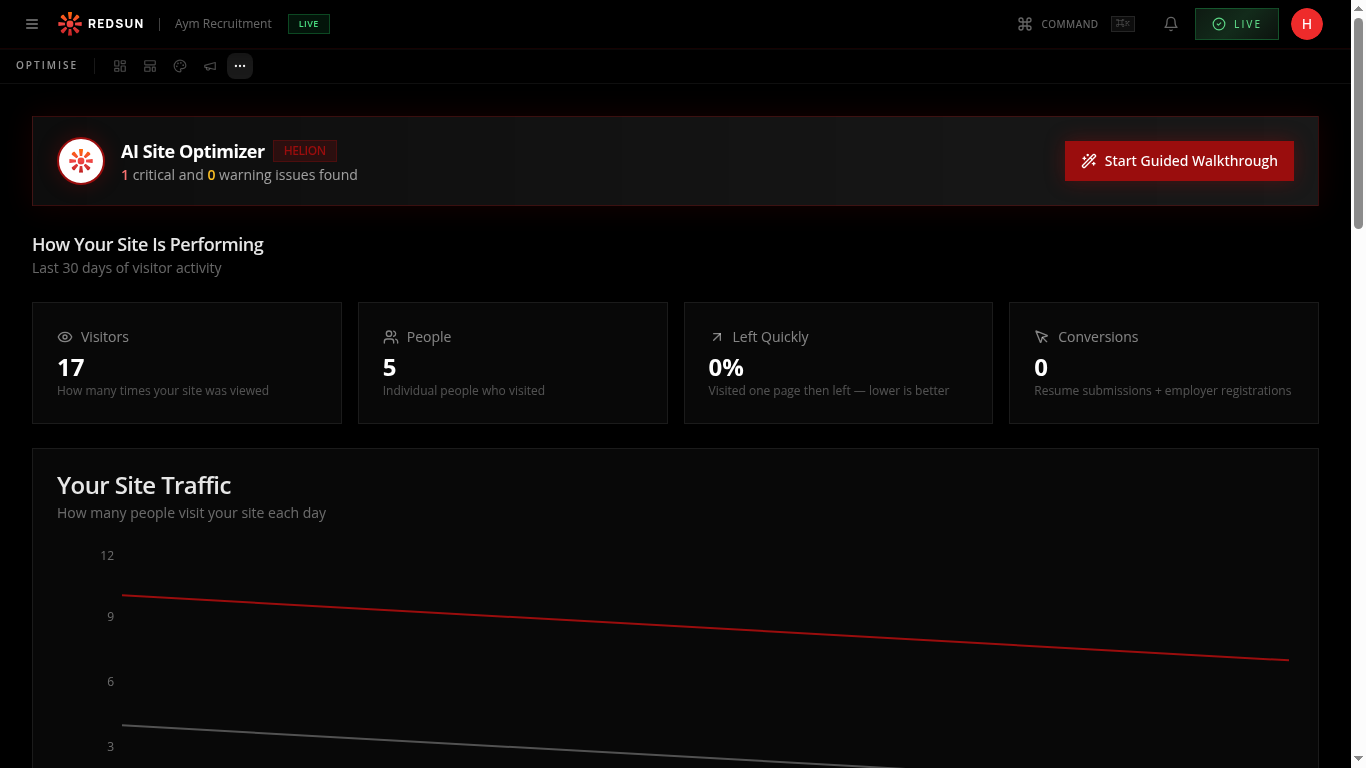
Every click from email signatures is tracked in your analytics, showing how much traffic this passive channel generates.
Guide complete
You've covered all 4 steps. Check out the related guides below.
Still need help?
Our support team is here to assist you.