
Team Link Hub
Generate tracked UTM links for every consultant on your team.
Access the traffic engine
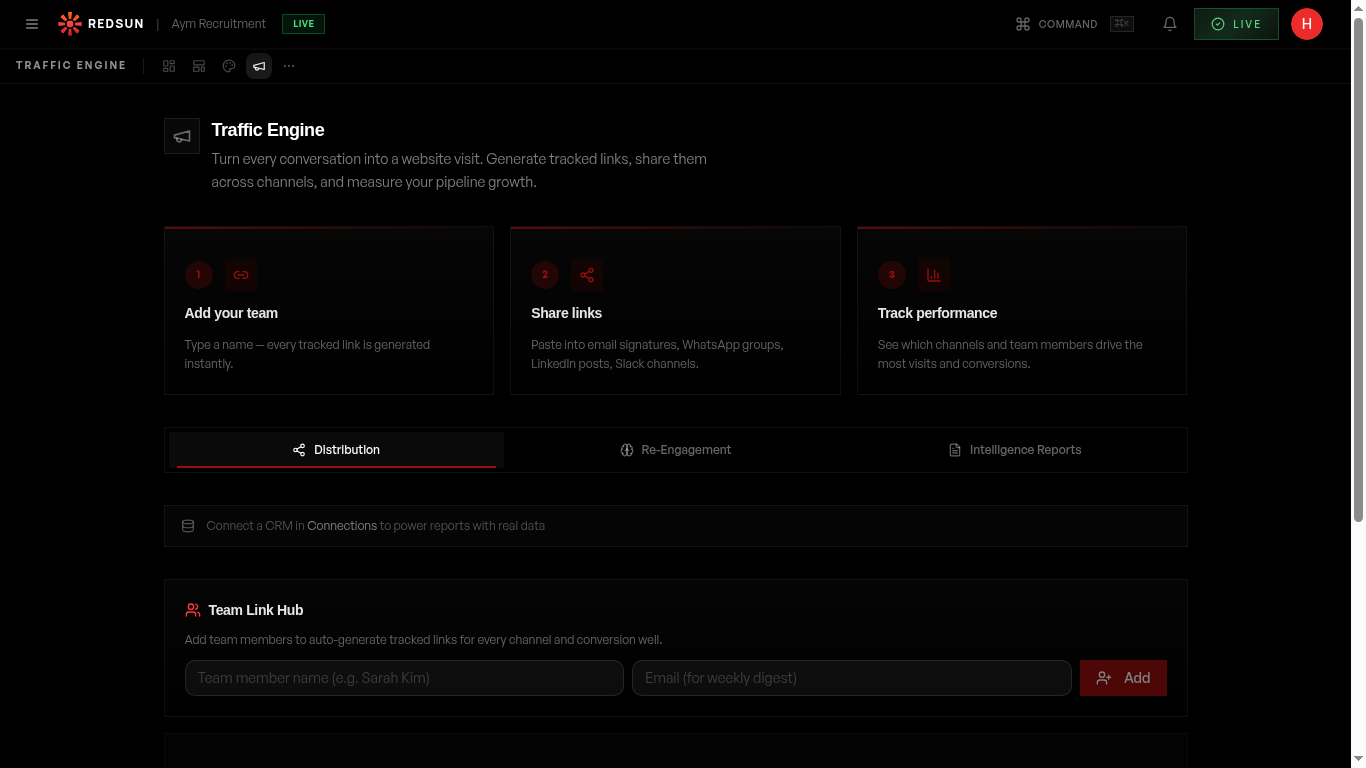
Navigate to the Traffic tab in your dashboard. The team link hub shows all your consultants and their personalised tracked links.
Add team members
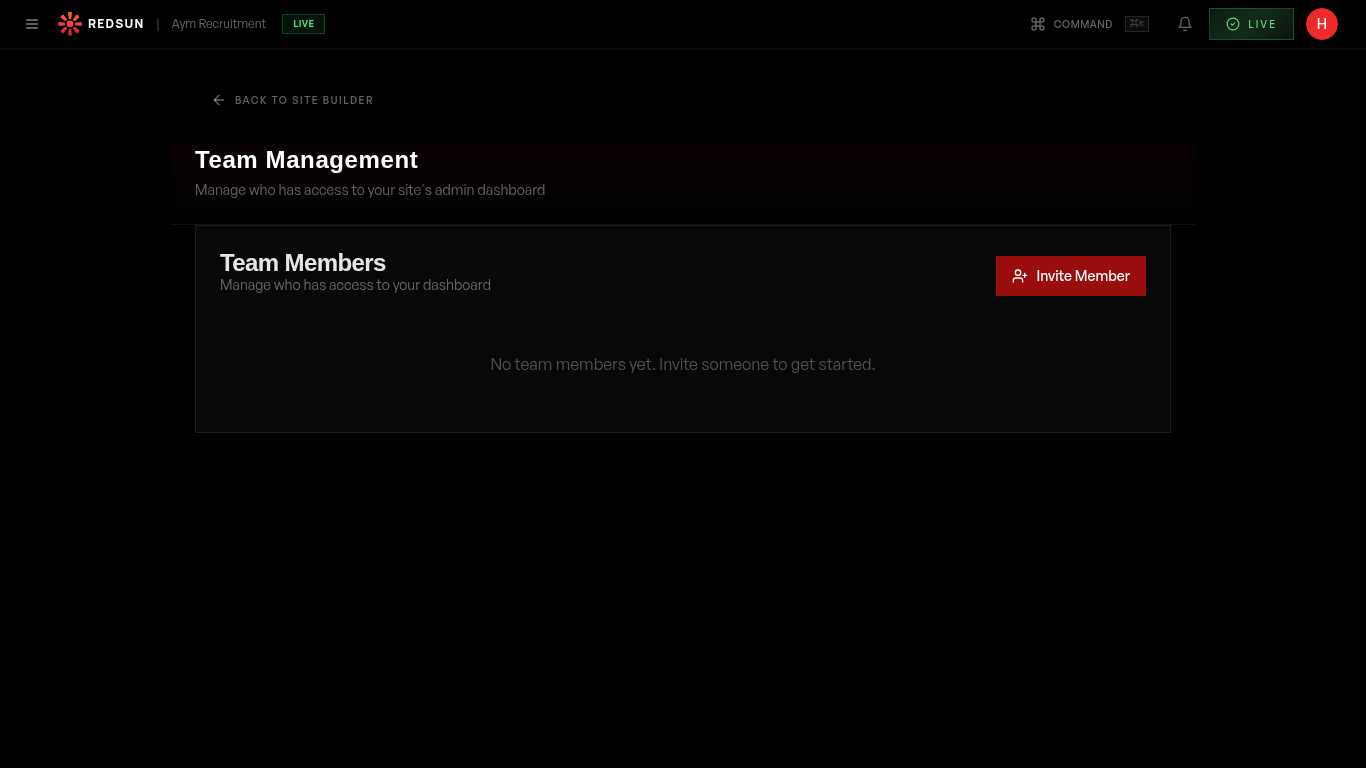
Each team member gets their own set of tracked links. Add members via the Team settings to enable individual tracking.
Team settingsGenerate links
For each team member, generate unique tracked URLs for different channels — LinkedIn, email, WhatsApp, etc. Each link embeds UTM parameters for attribution.
Copy and distribute
Team members copy their personal links and use them in their outreach. Every click is tracked and attributed to the right person and channel.
Monitor performance
View which team members are driving the most traffic and from which channels. Use this data to optimise your team's distribution strategy.
Guide complete
You've covered all 5 steps. Check out the related guides below.
Still need help?
Our support team is here to assist you.