
3 min
Design Track Selection
Choose a visual direction — corporate-clean, bold-impact, or beyond.
1
Review design tracks
redsunplatform.com
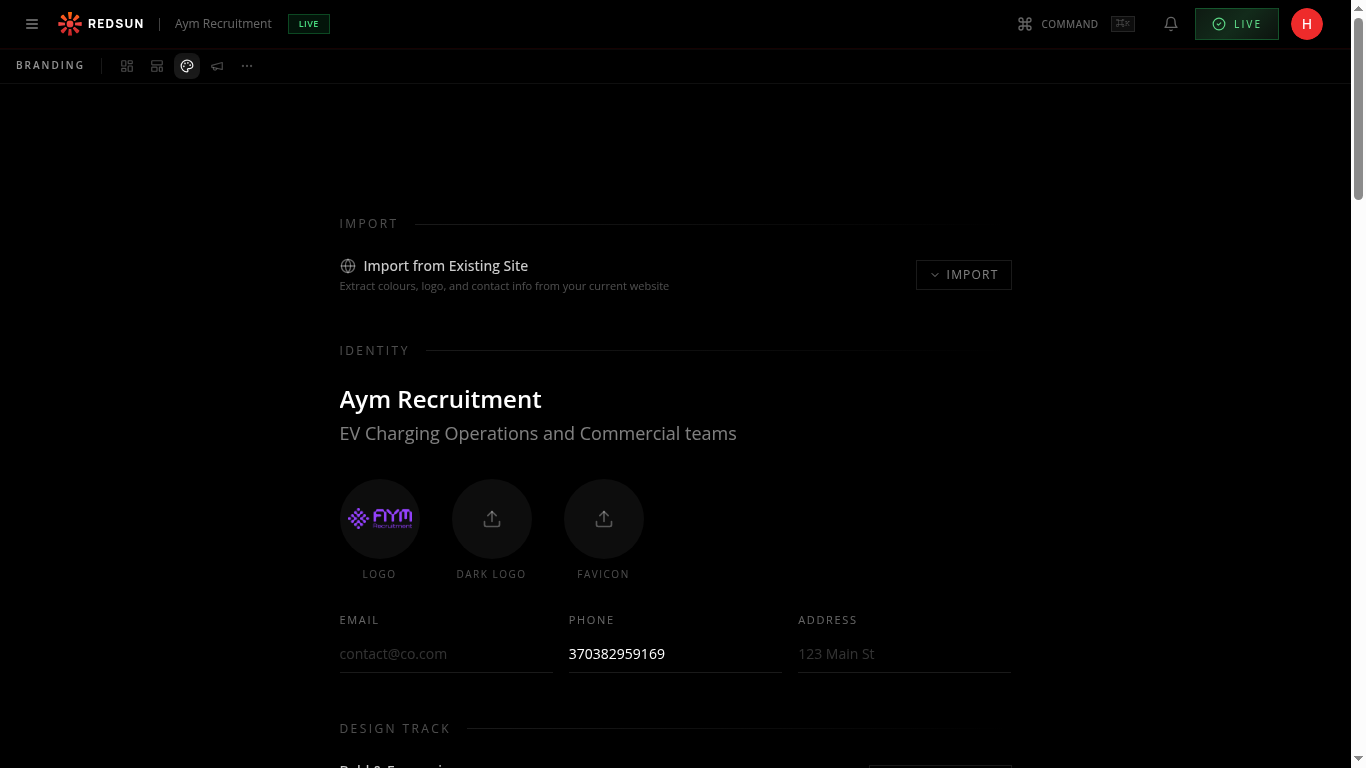
During setup or in brand settings, choose from design tracks like 'Corporate Clean', 'Bold Impact', 'Modern Minimal', and more. Each track defines layout preferences, spacing, and visual weight.
2
Preview the track
redsunplatform.com
Each design track shows a preview of how your site will look. The track influences section layouts, animation styles, and spacing across your entire site.
3
Customise within the track
redsunplatform.com
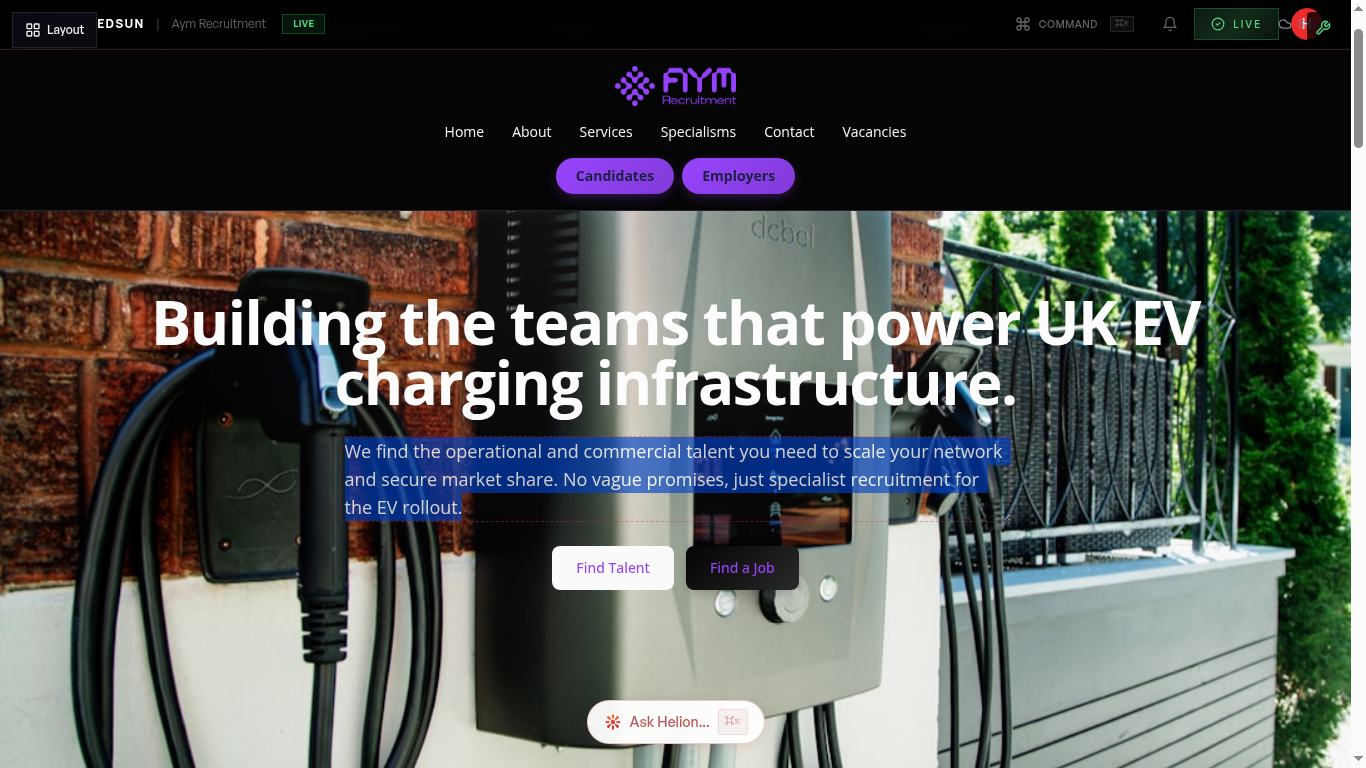
Design tracks are starting points. After selecting one, you can still override individual section layouts, colours, and animations.
Guide complete
You've covered all 3 steps. Check out the related guides below.
Still need help?
Our support team is here to assist you.