
JobAdder CRM Integration
Connect JobAdder to sync jobs, candidates, and placements with Redsun.
Navigate to Connections
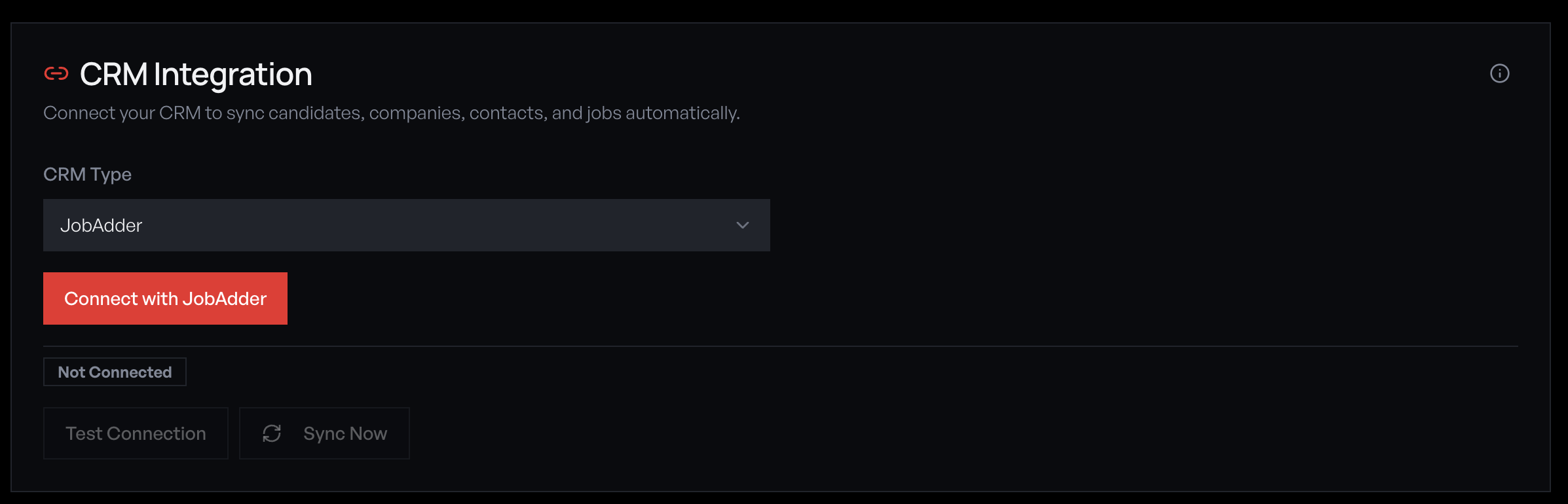
Open the sidebar and click 'Connections' under the Tools section. You'll see the CRM Integration panel with a provider dropdown and connection status.
Select JobAdder as your provider
Open the CRM Type dropdown and select 'JobAdder'. JobAdder uses OAuth2 authentication, so you'll see a 'Connect with JobAdder' button instead of manual credential entry.
Authorise via OAuth
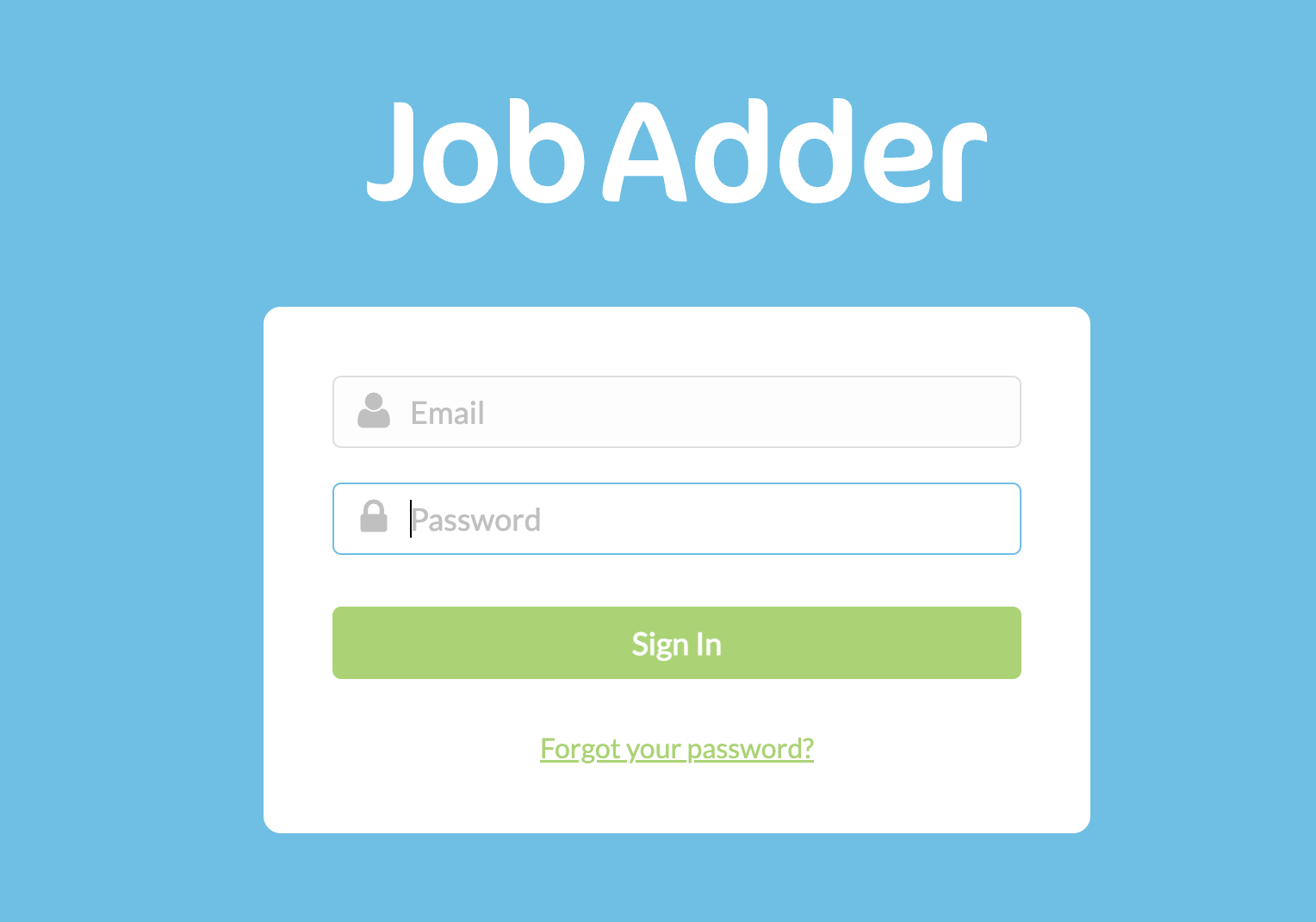
Click 'Connect with JobAdder'. You'll be redirected to JobAdder's login page. Sign in with your JobAdder admin credentials and click 'Authorise' to grant Redsun access to your jobs, candidates, and companies.
You must be a JobAdder admin to authorise the connection. If you see a permissions error, ask your JobAdder account owner to authorise on your behalf.
Confirm connection and select Job Board
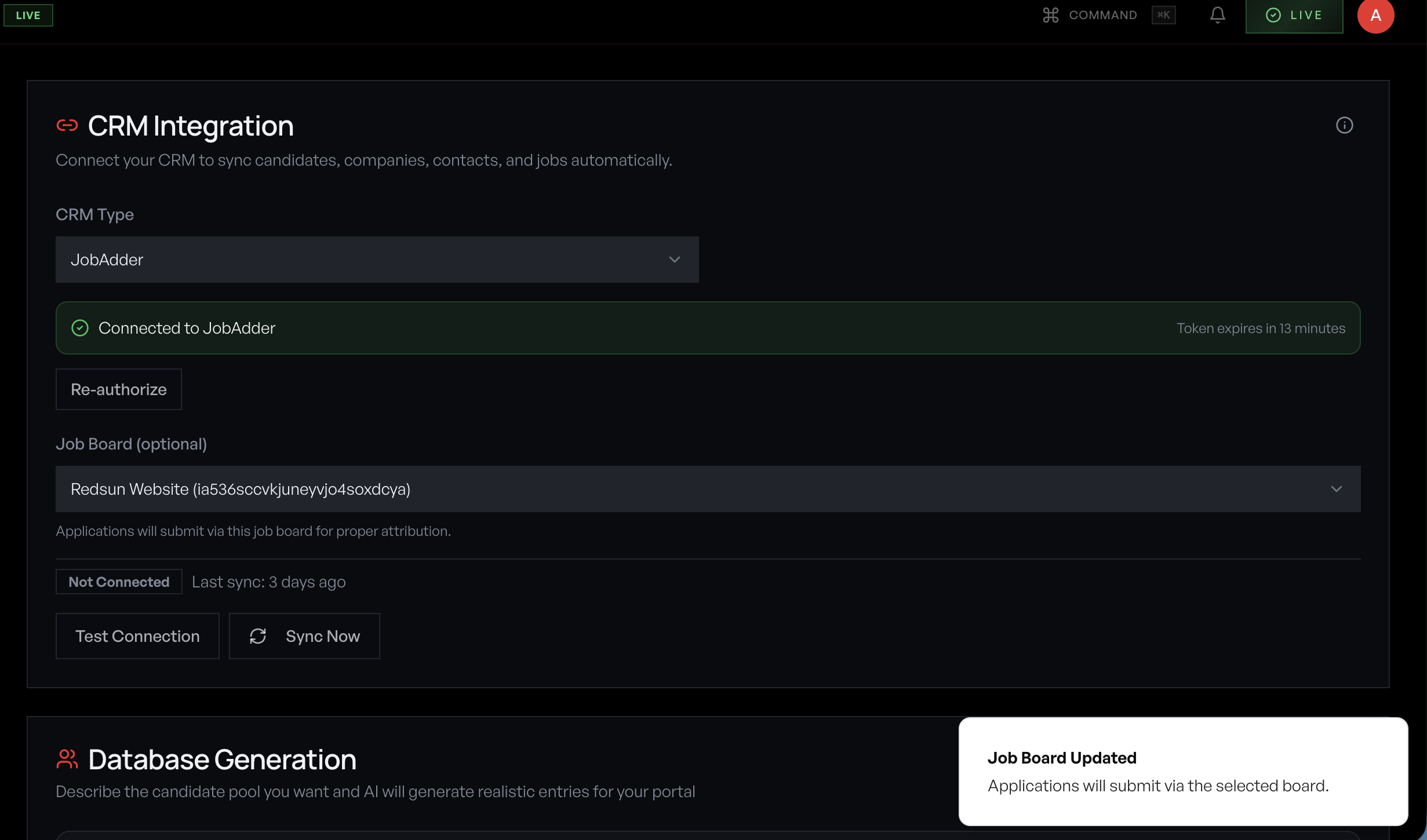
After authorising, you'll be redirected back to Redsun. A green 'Connected to JobAdder' banner appears with your OAuth token expiry. Select your Job Board from the dropdown so applications submit via the correct board for proper attribution.
Run initial sync
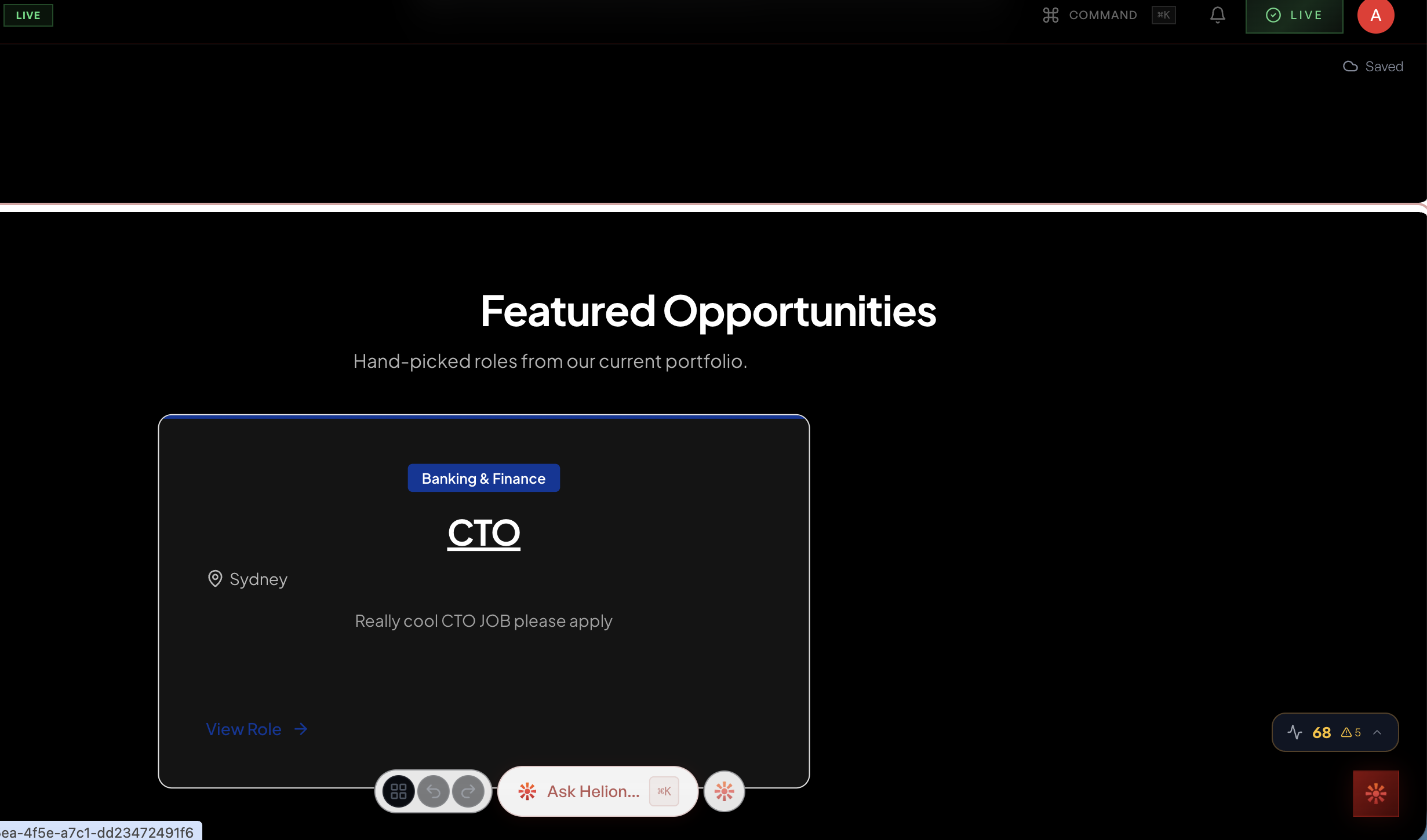
Click 'Sync Now' to pull your JobAdder data into Redsun. The initial sync imports jobs, candidates, companies, and placement records. Featured jobs from JobAdder appear on your portal automatically.
What syncs from JobAdder
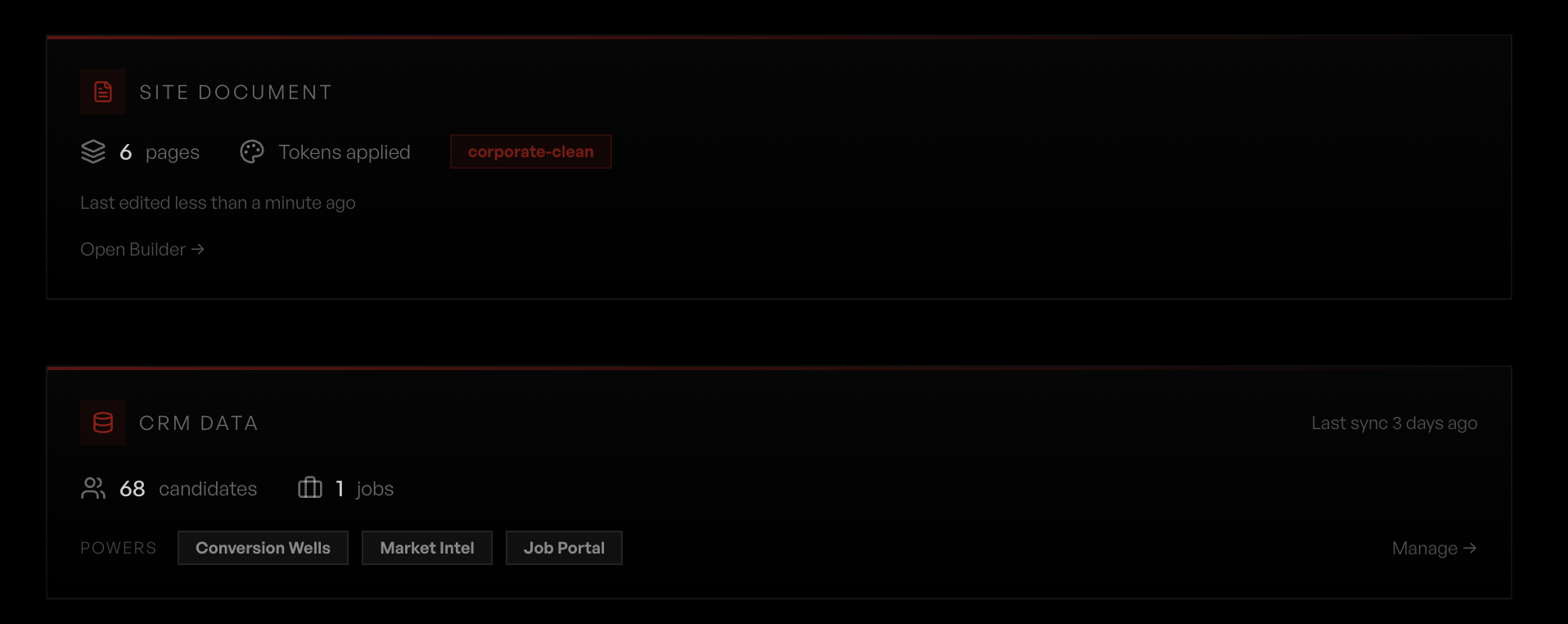
Redsun pulls the following from JobAdder: • **Jobs** — Title, description, salary range, location, work type, and classification. Active jobs populate your job portal automatically. • **Candidates** — Contact details, skills, availability, and application history. Powers talent snapshots and well results. • **Companies** — Client accounts and contacts. Feeds visitor intelligence company matching. • **Placements** — Completed placements for reporting and analytics. Sync runs automatically every 15 minutes. Your dashboard CRM Data card shows live record counts and which features the synced data powers.
Monitor sync health
Your dashboard CRM Data card shows candidate and job counts, last sync time, and which features the synced data powers (Conversion Wells, Market Intel, Job Portal). The Connections page shows detailed sync status, token expiry, and a 'Re-authorize' button if your OAuth token needs refreshing.
Guide complete
You've covered all 7 steps. Check out the related guides below.
Still need help?
Our support team is here to assist you.