
Employer / Hiring Well
A conversion funnel where employers submit a role and receive AI hiring intelligence, with a lead capture gate for premium insights.
Turn it on
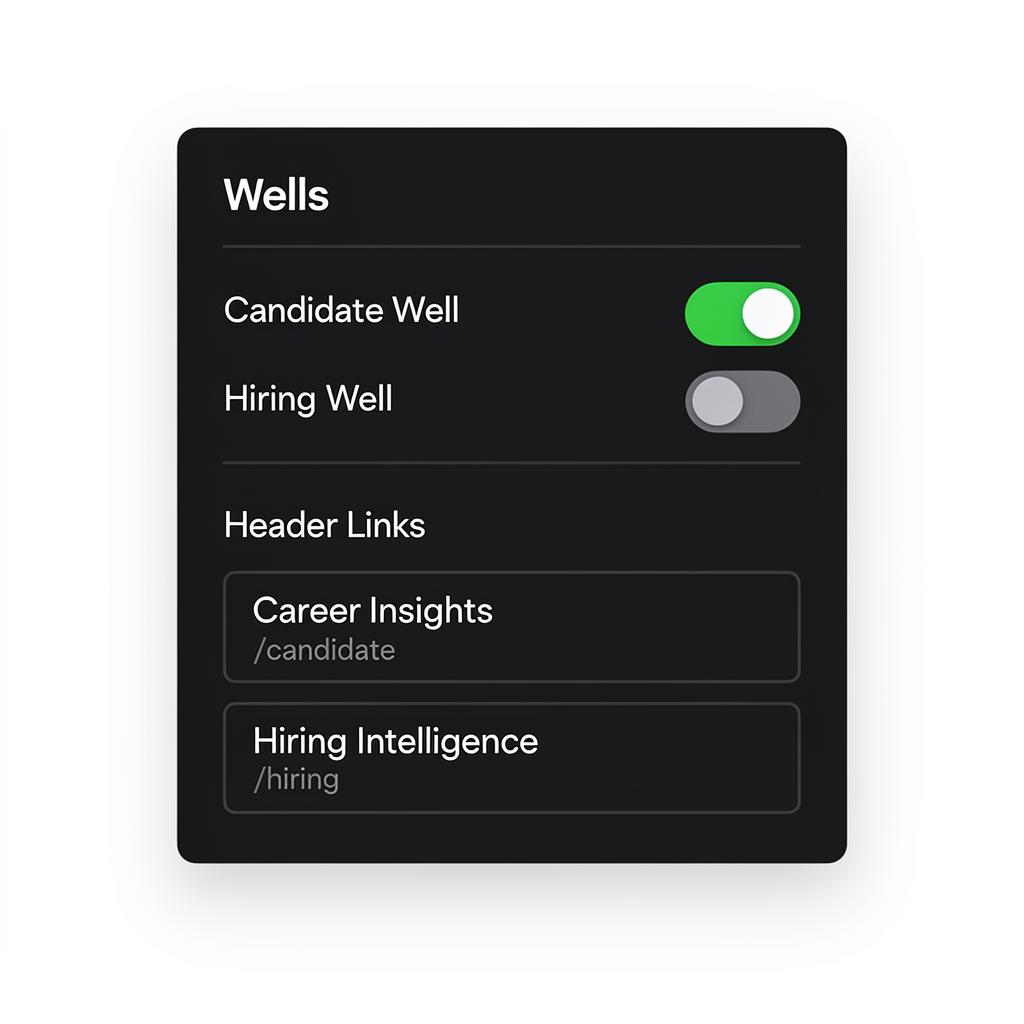
Enable in **two places**: 1. **Admin Dashboard** → Connections → Feature Toggles → turn on `hiring_dashboard` 2. **Builder** → ContextDock sidebar → Wells tab → toggle 'Hiring Well' on Both must be on for the employer funnel to appear on your live site.
Use labels like 'Hiring Intelligence' rather than 'Submit a Job' — it positions you as a strategic partner.
Landing page
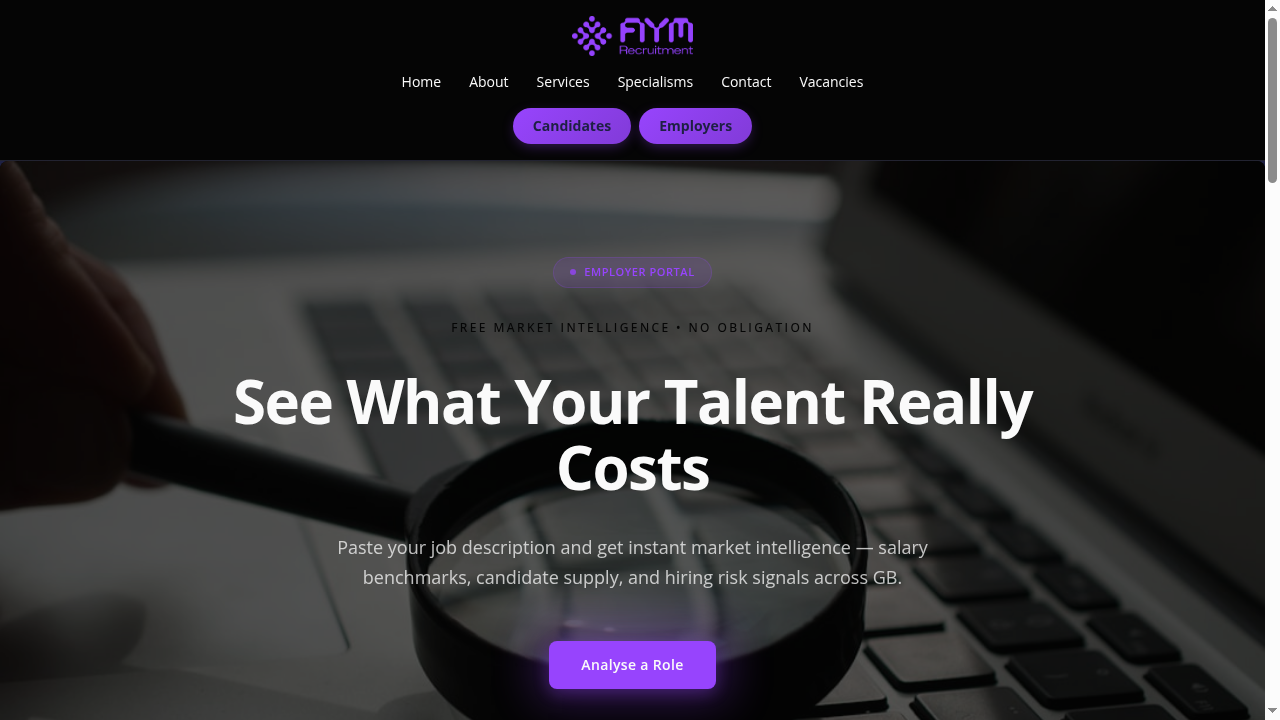
Same five-section structure as the candidate well, but with employer-focused content: • **Portal Hero** — Headline targeting hiring managers • **Teaser Cards** — Salary Intelligence, Candidate Supply, Hiring Risk previews • **Blurred Preview** — Analysis metrics behind a blur overlay • **Trust Strip** — 'Confidential', 'No Commitment', 'Instant Results' • **Inline CTA** — Secondary conversion prompt All text editable inline. Adapts to your design track.
The employer journey
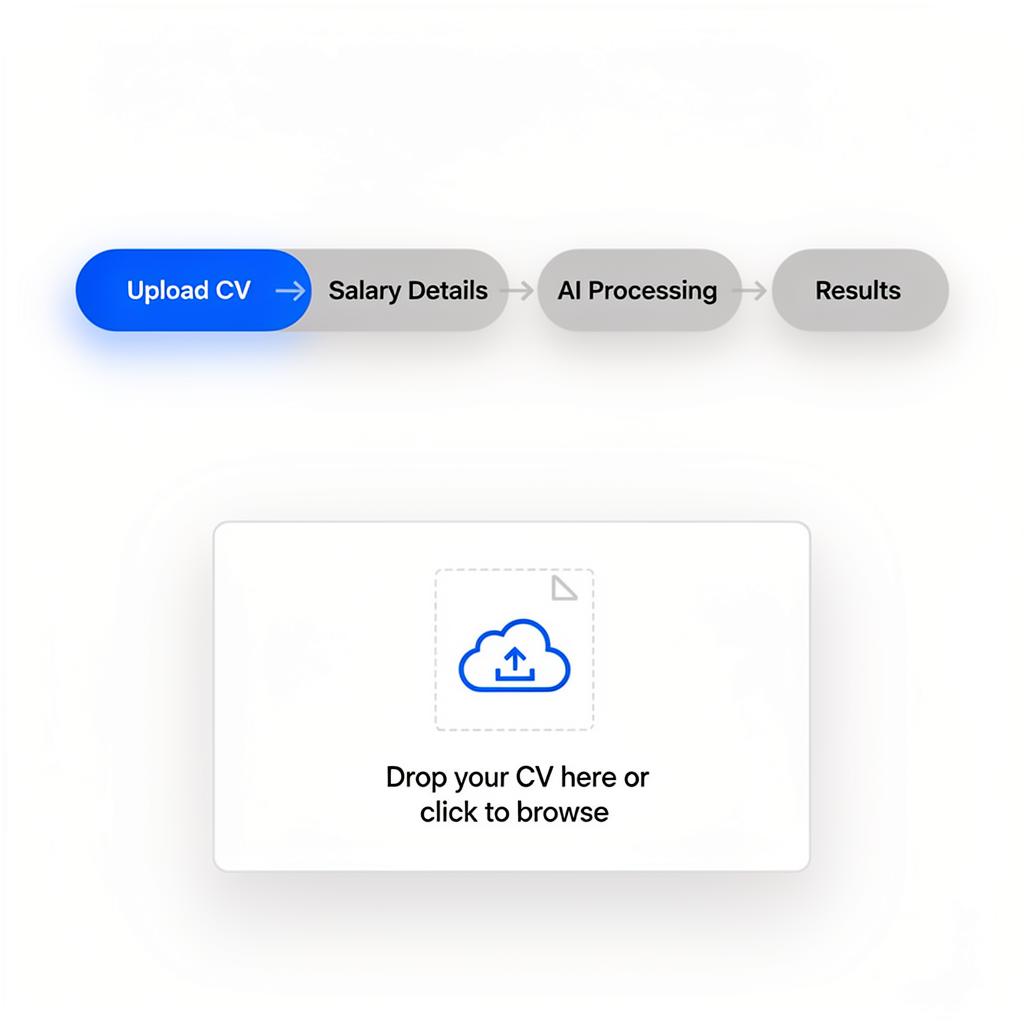
Same inline flow as the candidate well: 1. **Submit role** → Job title, description, salary range, company info 2. **AI processing** → Market intelligence generated 3. **Results** → Hiring insights rendered inline 4. **Talent snapshot** → Matched candidates from your pool (if available) The talent snapshot is unique to employer wells — it shows AI-ranked candidates and lets employers 'Register Interest' to capture leads.
Results and lead capture gate
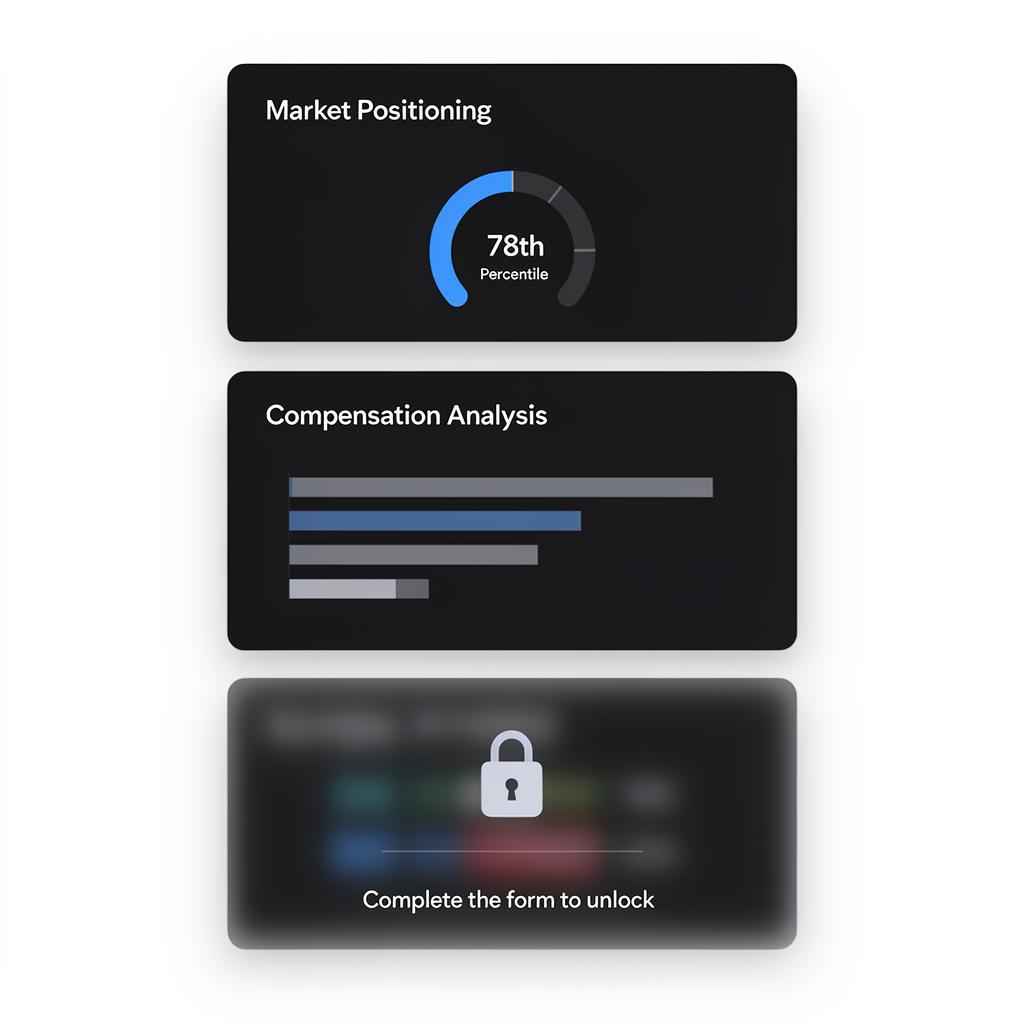
Employer wells have a **mid-page lead capture form** that candidate wells don't: **Free sections:** Role Attractiveness, Candidate Supply, Time to Fill, Spec Clarity, Hiring Risks, Actions **Gate form** → Full Name, Work Email, Phone (creates an employer lead) **Premium sections (after gate):** Salary Benchmark, Talent Availability, Competitor Intelligence, Retention Signals, Spec Optimizer, Sector Pulse The gate creates a natural 'preview → capture → premium' flow.
The gate form captures qualified hiring leads. Position it after 4-6 free sections that demonstrate value.
Talent Snapshot
After results, employers can view matched candidates from your pool: • **Tailored Matches** — AI-ranked against the employer's specific role • **Candidate Search** — Filterable table with seniority and skill filters • **Hot Candidates** — Recently active or high-demand candidates Employers select candidates and click 'Register Interest' — this creates a lead record and syncs to your CRM if connected.
The talent snapshot turns market intelligence into placement opportunities. It only appears when you have candidates in your pool.
Guide complete
You've covered all 5 steps. Check out the related guides below.
Still need help?
Our support team is here to assist you.