
Configuring Wells
How to customise well toggles, navigation labels, section layout, display variants, and form copy.
Where settings live
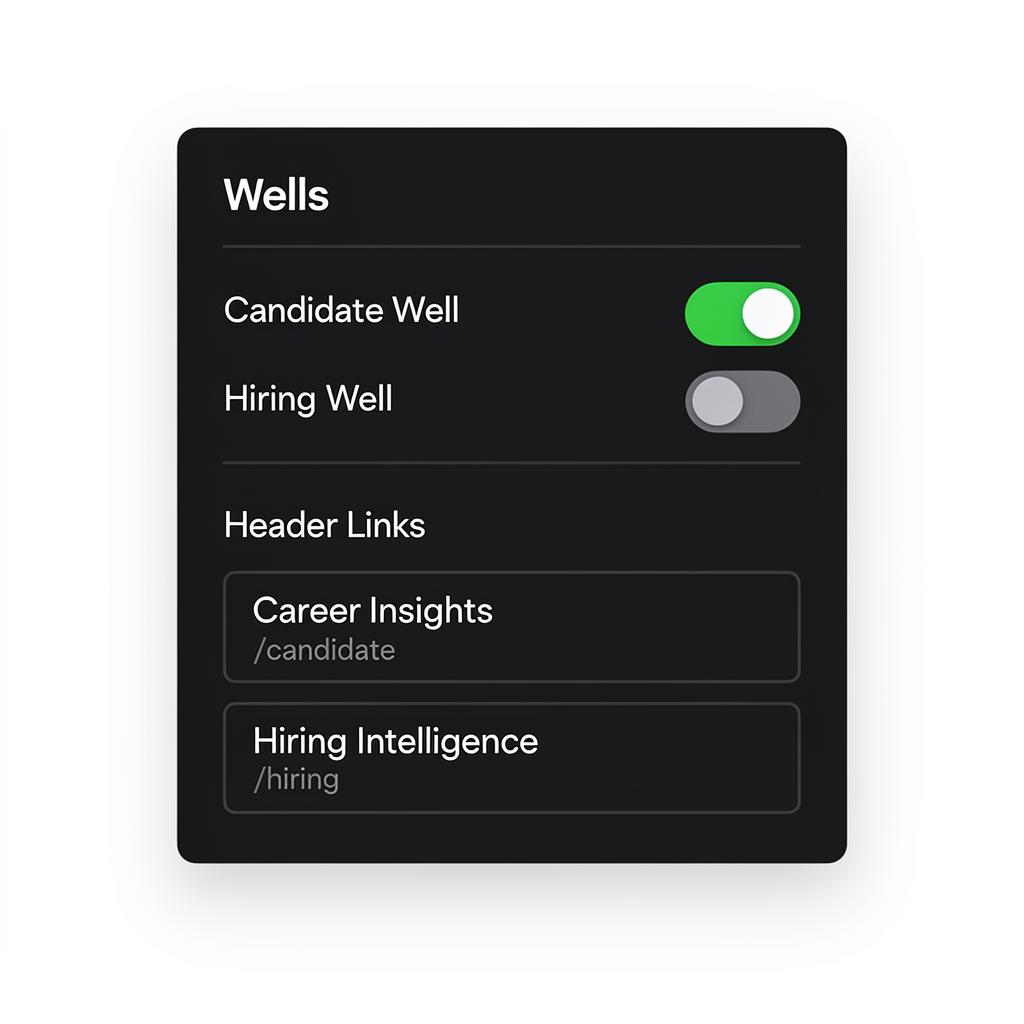
Wells have **two control surfaces**: **Admin Dashboard** → Connections → Feature Toggles Master on/off switches. When off, well pages return 404. **Builder** → ContextDock → Wells tab Document-level toggles, navigation link labels, and per-sector overrides. Both must be enabled for a well to appear on your live site.
Well not showing? Check both surfaces. The most common issue is one being on and the other off.
Navigation link labels
When a well is enabled, a link is added to your site navigation. Edit the label text directly in the Wells tab — click, type, blur to save. The URL path (e.g. `/candidate`) is auto-generated and read-only.
'Market Intelligence' sounds more premium than 'Apply Here'. Keep labels to 2-3 words.
Landing page sections
Each section on a well landing page is independently editable: • **Click text** to edit headlines and descriptions inline • **Drag sections** to reorder the layout • **Change variants** via the dropdown (e.g. teaser cards vs blurred preview) • **Add/remove sections** from the section menu All sections respect your design track and modifiers automatically.
Results section variants
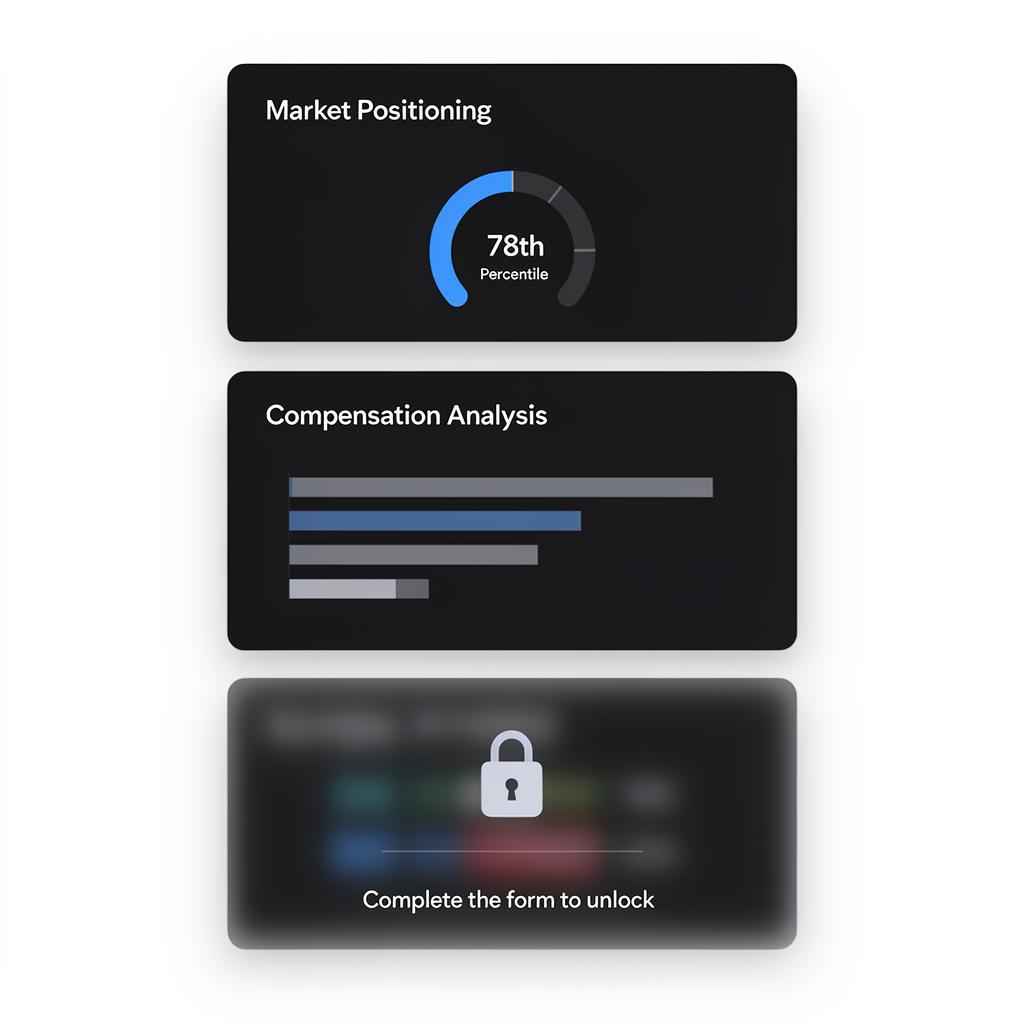
Every results section has three display modes: • **Primary** — Rich visualisation (ring gauges, bar charts, trend lines) • **Secondary** — Alternative visual angle on the same data • **Compact** — Single-card list, good for supporting detail Switch variants per-section in the builder. Use primary for hero sections, compact for later ones.
12 candidate section types and 12 employer types — only matching types appear in the add-section menu.
Form copy
The form section has three editable fields: • **Heading** — Title above the form (e.g. 'Discover Your Market Value') • **Submit label** — Button text (e.g. 'Get My Insights') • **Form type** — `cv_upload` for candidates, `jd_upload` for employers Four layout variants are available: centered (default), split, card-elevated, and step-indicator. Layout changes the look, not the data collected.
'Discover Your Market Value' converts better than 'Submit CV'. Test different copy.
Guide complete
You've covered all 5 steps. Check out the related guides below.
Still need help?
Our support team is here to assist you.