
4 min
AI Content Generation
Use Redsun's AI to generate and refine copy for any section.
1
Select a section
redsunplatform.com
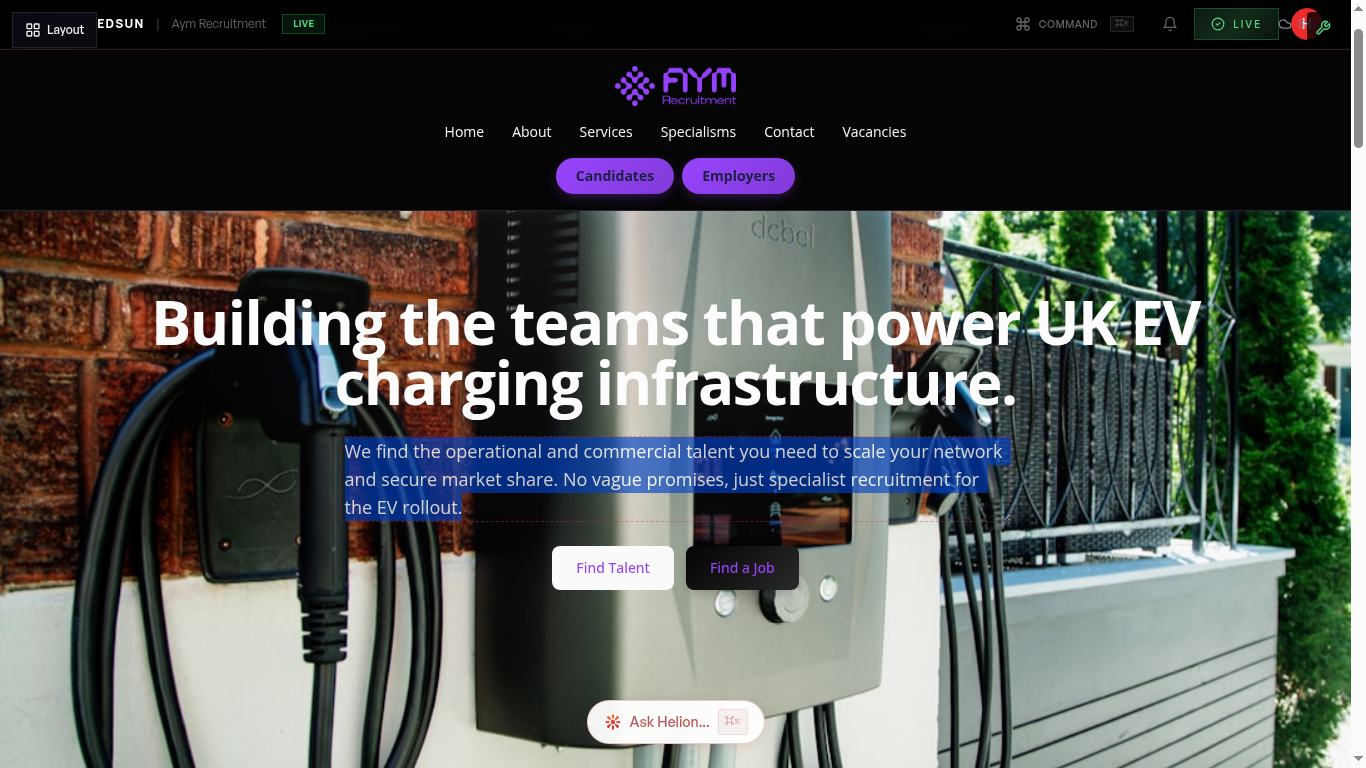
In the builder, click on any section to select it. The AI generation controls appear in the section editing panel.
2
Choose generation type
redsunplatform.com
Select what to generate: full section copy, headline only, body text, or CTA. The AI uses your brand voice, sector context, and existing content as input.
3
Review and refine
redsunplatform.com
The AI generates content and shows it in a preview. Accept it, regenerate for a different version, or manually edit the output.
4
Batch generation
redsunplatform.com
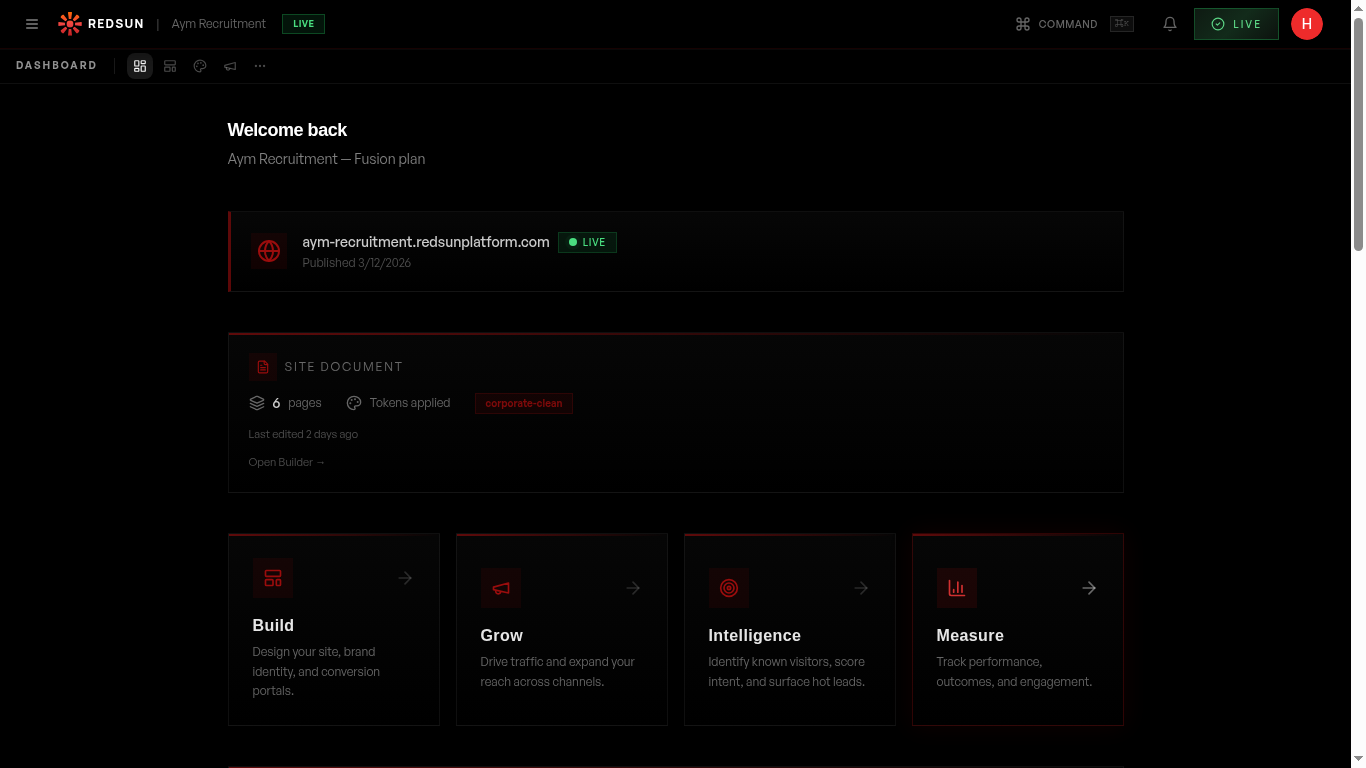
Use the SunRise Sequence to regenerate content across multiple sections or pages at once. This is useful when changing your brand voice or sector focus.
Guide complete
You've covered all 4 steps. Check out the related guides below.
Still need help?
Our support team is here to assist you.