
3 min
Publishing & Version History
Publish changes and track your site's version history.
1
Publish changes
redsunplatform.com
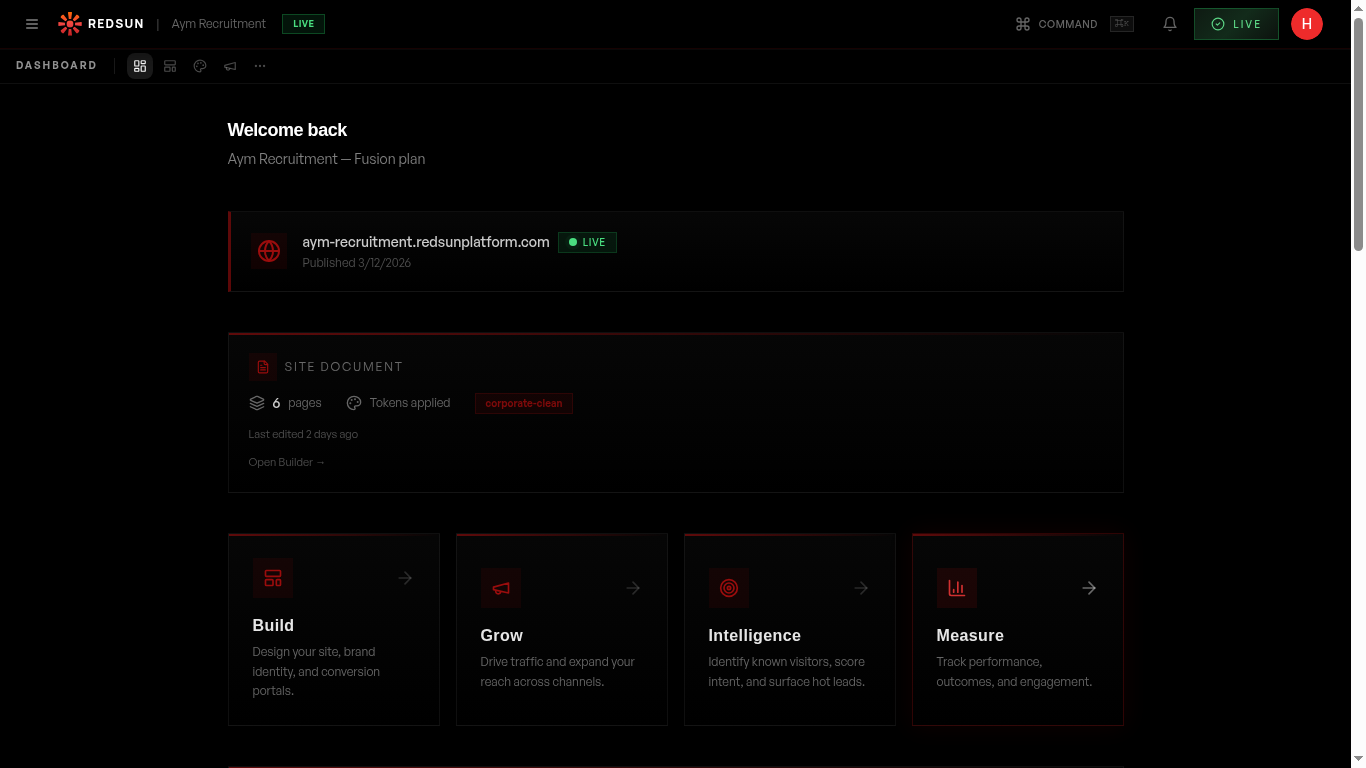
Click the 'LIVE' button in the dashboard to publish your latest changes. A confirmation dialog shows what's changed since the last publish.
2
Version history
redsunplatform.com
Each publish creates a version snapshot. View your publish history to see what changed and when.
3
Preview before publishing
redsunplatform.com

Always preview your site in both desktop and mobile views before publishing. Check all pages that have been modified.
Guide complete
You've covered all 3 steps. Check out the related guides below.
Still need help?
Our support team is here to assist you.