
Editing Header & Footer
Customise your site's header navigation and footer content.
Access header settings
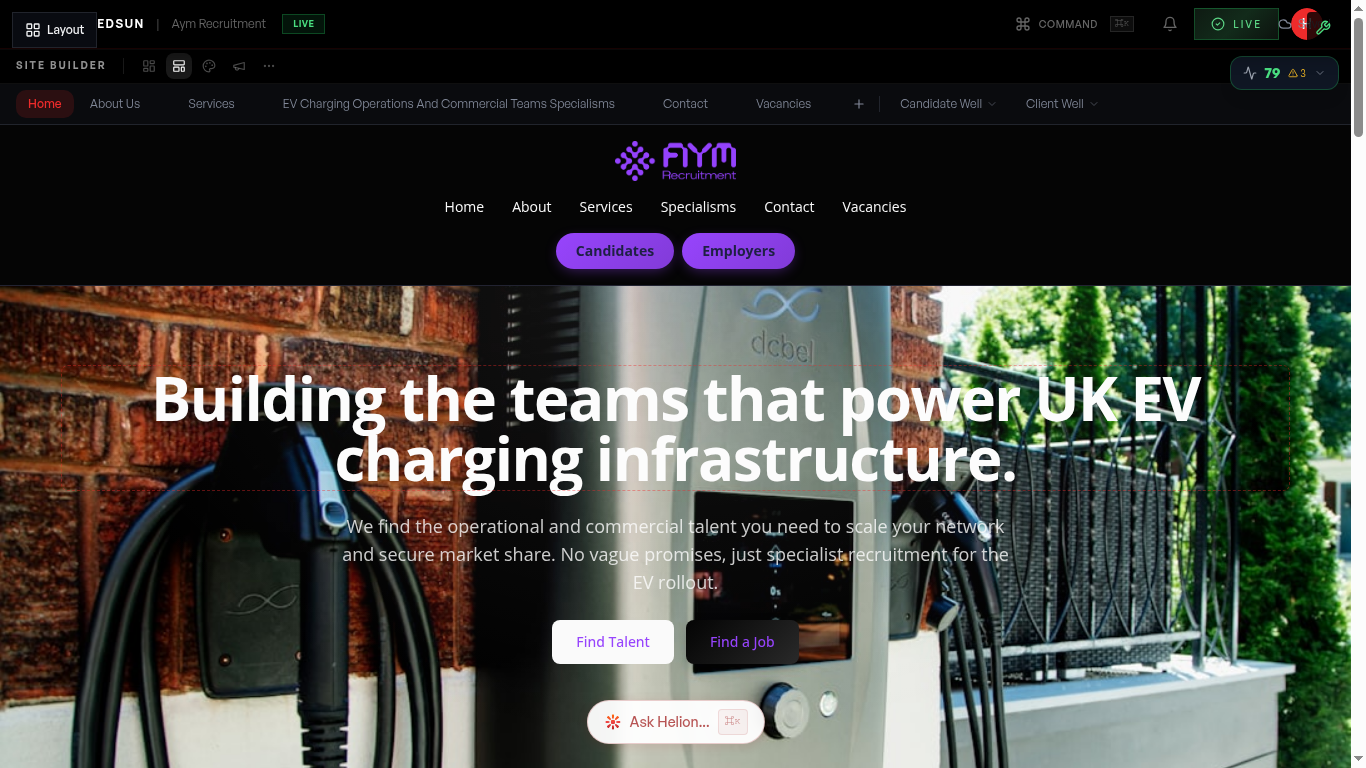
Click on the header area in the builder preview, or select 'Header' from the chrome editor panel. This opens the header configuration controls.
Configure navigation links
Add, remove, or reorder navigation links. Each link has a label and destination URL. You can link to internal pages or external URLs.
Logo and branding
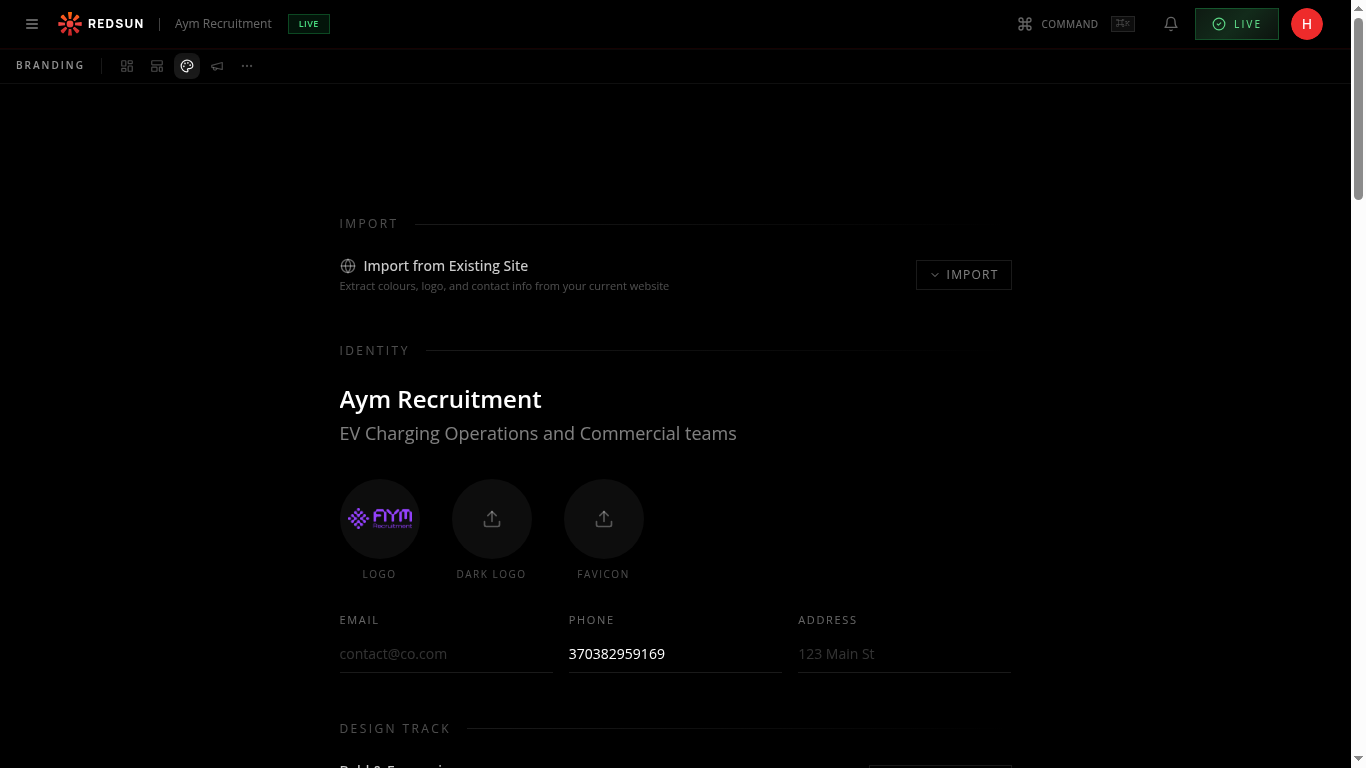
Your logo appears automatically from your brand settings. You can adjust its size and position within the header layout.
CTA button
Configure the header's call-to-action button — set its label, link destination, and style. This is typically 'Get in Touch' or 'Submit CV'.
Footer content
Edit footer columns including company info, quick links, contact details, and social media links. The footer also includes legal links that are auto-generated.
Guide complete
You've covered all 5 steps. Check out the related guides below.
Still need help?
Our support team is here to assist you.