
3 min
Managing Navigation
Control how visitors navigate between pages on your site.
1
Primary navigation
redsunplatform.com
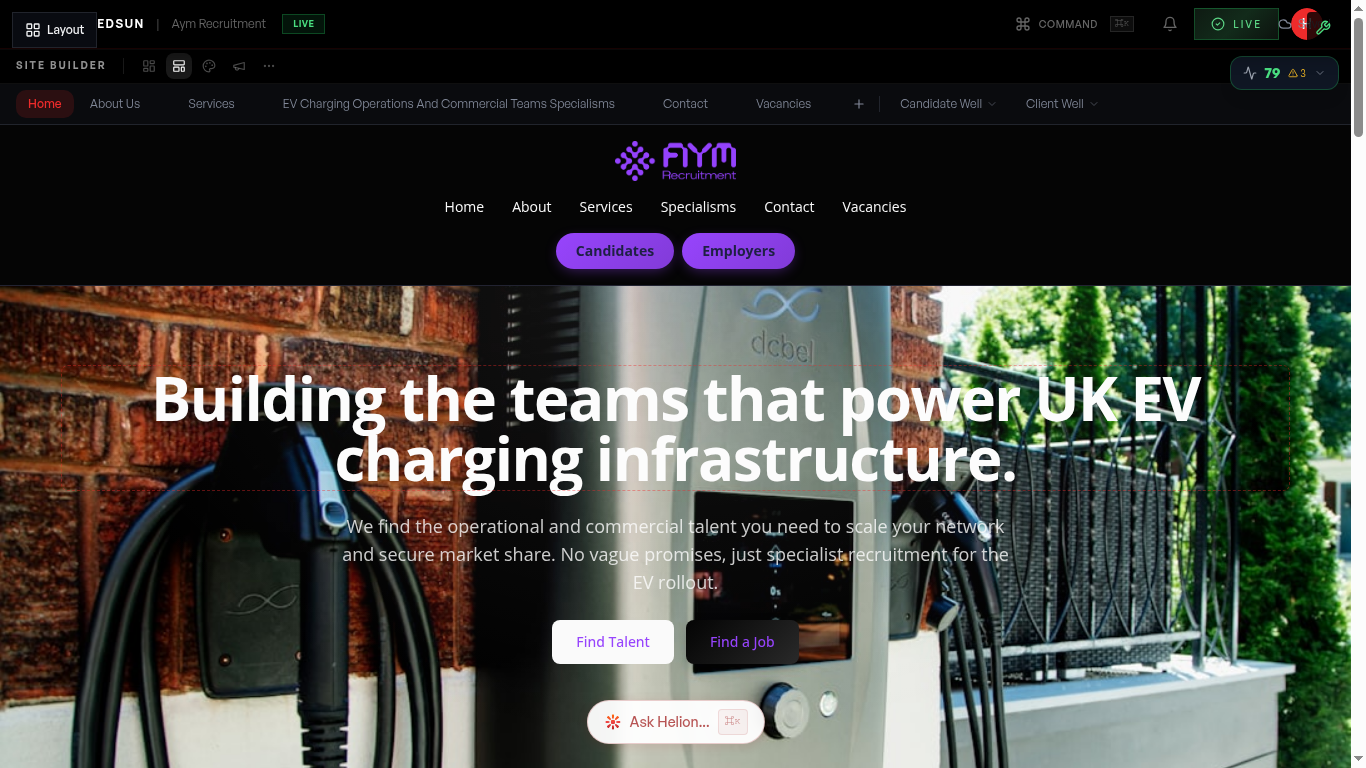
The main navigation bar appears in your site header. It's automatically populated from your page list, but you can customise which pages appear and their order.
2
Dropdown menus
redsunplatform.com
Group related pages under dropdown menus for cleaner navigation. For example, group sector pages under a 'Sectors' dropdown.
3
Mobile navigation
redsunplatform.com
On mobile devices, your navigation automatically converts to a hamburger menu. Preview this using the mobile view in the builder.
4
Link to sections
redsunplatform.com
Create navigation links that scroll to specific sections on a page using anchor links. Useful for long-form landing pages.
Guide complete
You've covered all 4 steps. Check out the related guides below.
Still need help?
Our support team is here to assist you.